Adobe Sensei
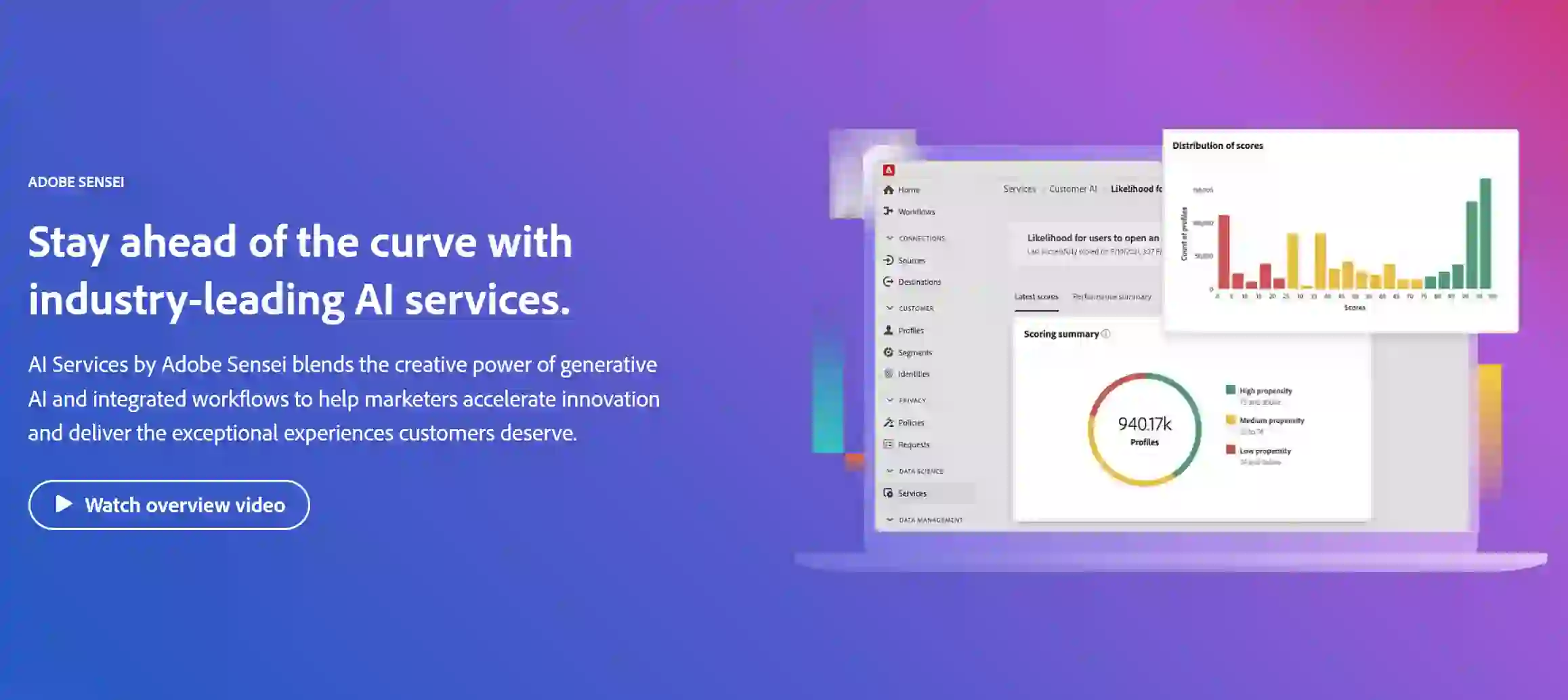
Adobe Sensei is an AI and machine learning platform integrated into Adobe's suite of products. It enhances creative workflows by automating processes, providing intelligent features, and enabling deeper insights through data analysis, making it easier for users to produce high-quality content efficiently.
What is Adobe Sensei?
Adobe Sensei is a powerful AI engine that drives intelligent features across Adobe's creative applications, such as Photoshop, Illustrator, and Premiere Pro. By leveraging machine learning, Sensei automates repetitive tasks, offers smart suggestions, and enhances creative possibilities. It analyzes user behavior and content patterns to provide insights that help users make informed design decisions. This technology empowers artists, designers, and marketers by streamlining workflows and improving productivity, allowing them to focus more on their creative vision.
Adobe Sensei Key Features
Adobe Sensei offers a range of AI-powered features to streamline creative workflows. These include automated image editing, smart tagging and search, video analysis, content-aware fill, facial recognition, and predictive analytics, all designed to boost efficiency and creativity.
Automated Image Editing: Enhances and edits images automatically, saving time and effort.
Smart Tagging and Search: Uses AI to tag and categorize assets, making it easier to find content.
Video Analysis: Analyzes video content to identify key moments and generate automatic highlights.
Content-Aware Fill: Allows users to remove unwanted objects from images seamlessly.
Facial Recognition: Recognizes faces and applies filters or adjustments intelligently.
Predictive Analytics: Provides insights and predictions based on user data and trends.
Adobe Sensei Use Cases
Editing photos and graphics quickly
Enhancing video production workflows
Generating design assets with smart recommendations
Analyzing customer data for marketing strategies
Streamlining repetitive tasks in design projects
Personalizing content for targeted audiences
Organizing digital assets for easy access
Supporting creative experimentation and iteration
Generating insights from creative performance data
Facilitating collaborative design processes
Adobe Sensei Pros and Cons
- Automates repetitive tasks, saving time and increasing efficiency.
- Offers smart suggestions and insights to improve creative decision-making.
- Enhances creative possibilities by streamlining workflows.
- Improves productivity and allows for greater focus on creative vision.
- Provides powerful tools for various creative applications.
- Requires an Adobe Creative Cloud subscription, adding to the overall cost.
- Not all features are available in every Adobe application.
- Reliance on AI can sometimes lead to unexpected results or require user correction.
- The learning curve for some advanced features might be steep for beginners.
- Availability and performance may be affected by internet connection speed.
Adobe Sensei FAQs
How does Adobe Sensei improve workflows?
By automating routine tasks and providing intelligent suggestions, Sensei allows users to focus on more creative aspects of their projects.
Can I use Sensei features without prior design experience?
Yes, many of Sensei’s features are designed to assist users of all skill levels, making it easier for beginners to create high-quality content.
What types of data does Adobe Sensei analyze?
Sensei analyzes user interactions, asset performance, and content patterns to provide tailored insights and recommendations.
Are Sensei features available in all Adobe applications?
Not all features are available in every application; availability may vary depending on the specific Adobe software in use.
Is there a cost associated with using Adobe Sensei?
Adobe Sensei is included with Adobe Creative Cloud subscriptions, so users will pay for the software rather than for Sensei specifically.
Interested in this product?
Updated 2025-06-15

🔍 Find More Tools
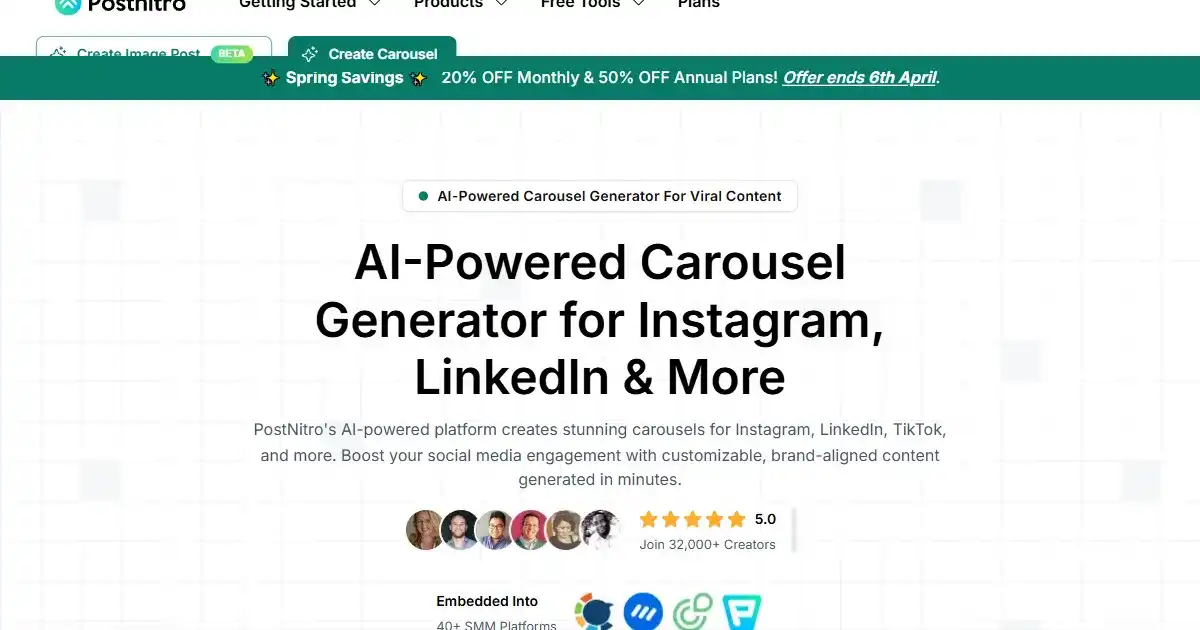
PostNitro is an AI-powered carousel generator that simplifies creating visually appealing social media content. Input content, topics, or keywords to generate customized carousels incorporating your brand elements. Enhance your social media presence without design expertise.

Adsby is an AI-powered platform for simplifying and optimizing Google Search Ads. Designed for startups and small businesses, it automates ad creation, keyword suggestions, and campaign optimization to maximize ROAS.

AI Logo Maker is an AI-powered logo design tool that helps users create custom logos within minutes. It provides various design and customization features including color palettes, font changes and more, making professional logo design accessible to anyone.

GetAvatars.ai uses AI to turn selfies into pro-quality headshots in only a minute.
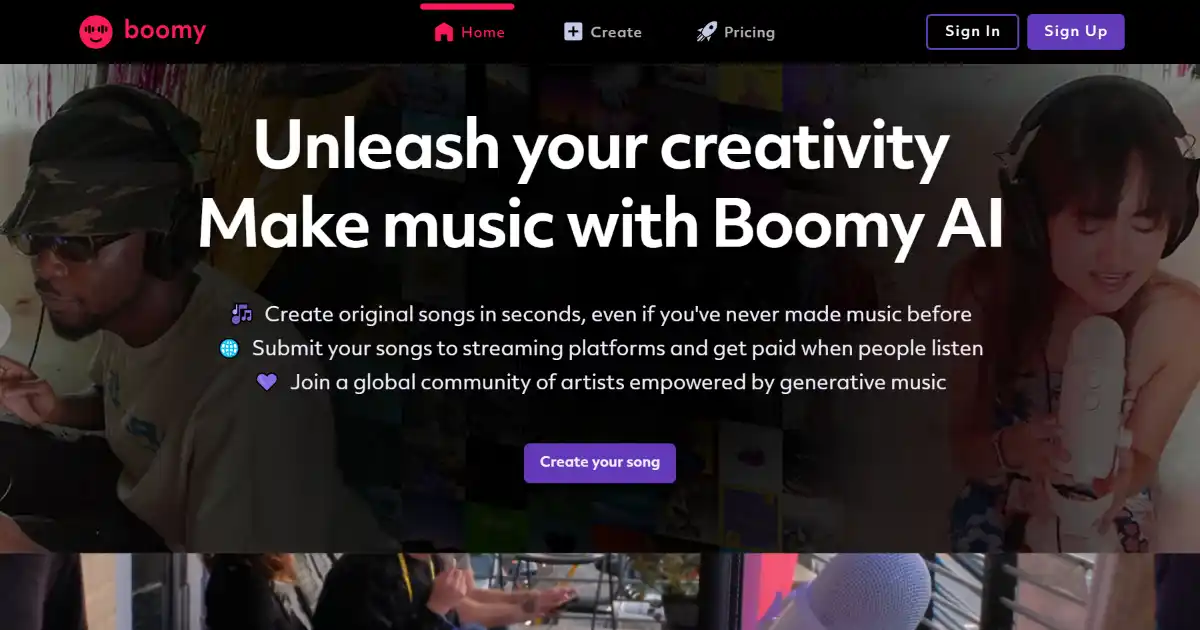
Boomy AI is an AI-powered music creation platform that allows users to create and share original songs in seconds. Users can customize their creations and distribute them to major streaming services, earning royalties on every play.
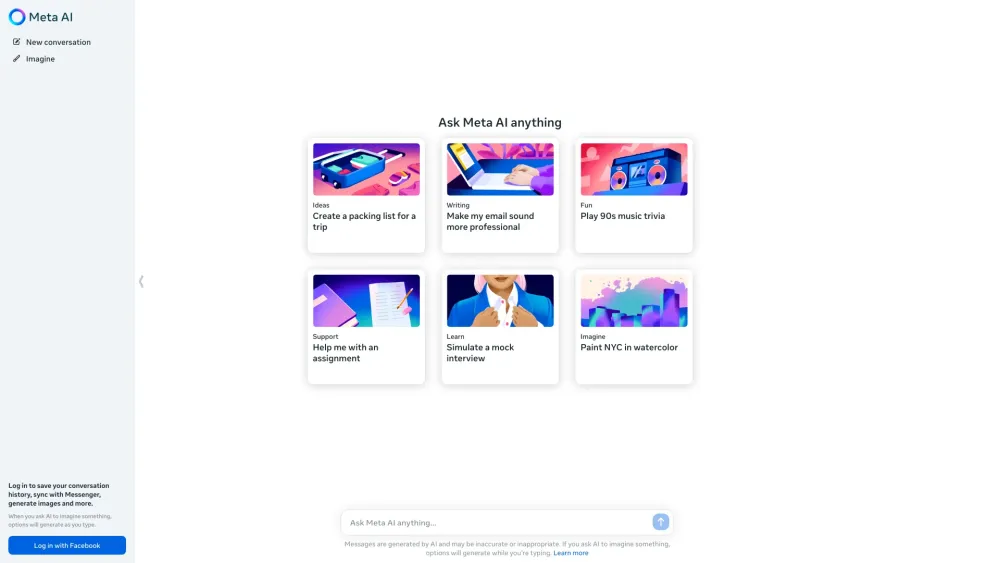
Meta AI is an advanced AI assistant from Meta, enabling conversations, answering questions, generating images, and performing various tasks across its platforms.