CodeParrot
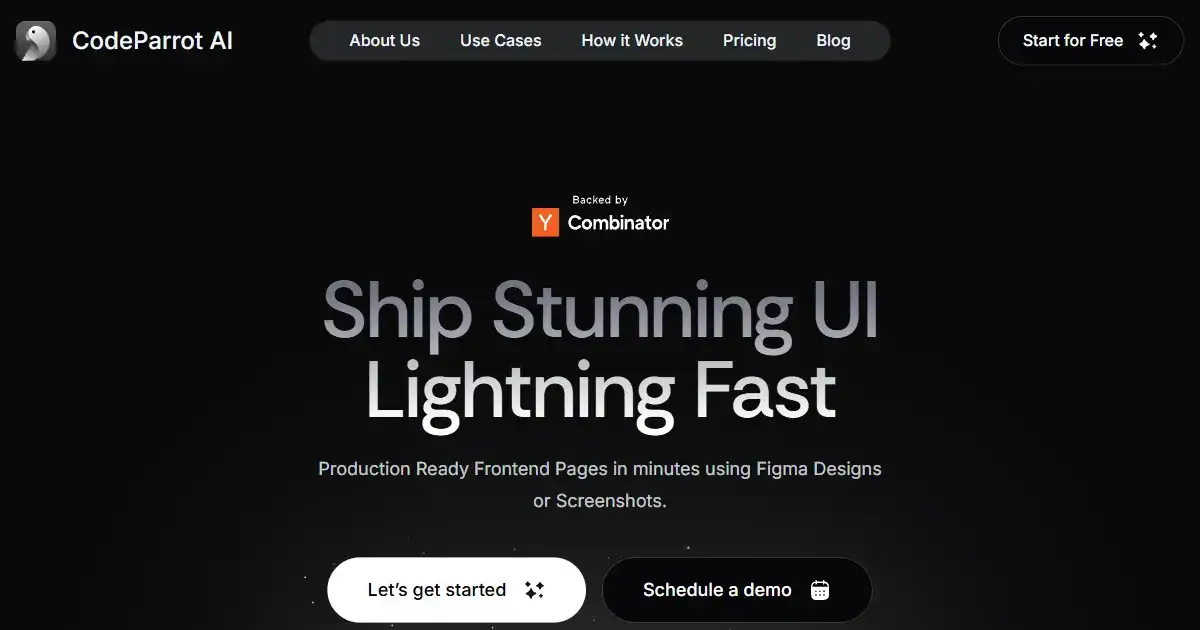
CodeParrot is a VS Code plugin that transforms Figma designs and screenshots into production-ready frontend code. It streamlines UI development, allowing for quick iterations and modifications. CodeParrot helps bridge the gap between design and implementation.
What is CodeParrot
CodeParrot is a powerful VS Code plugin designed to accelerate frontend development by converting Figma designs or screenshots into production-ready code. Integrating seamlessly within the VS Code environment, CodeParrot empowers developers to efficiently transform visual elements into interactive UI components. This plugin supports the conversion of design snippets, components and entire designs into interactive UI elements improving team productivity and design-implementation alignment. This streamlines the process of design to production by turning existing design files into instantly workable UI elements improving team communication, productivity, reducing the number of meetings, and development iteration cycles improving productivity and efficiency
Key Features of CodeParrot
A VSCode Plugin to convert Figma designs into frontend code.
Figma Integration: Import designs directly from Figma files to initiate code generation.
Screenshot Support: Use screenshots of design snippets or entire designs for UI code creation.
VS Code Plugin: Works within the VS Code IDE for direct development integration.
Frontend Generation: Generates frontend code for UI components and styling.
Interactive Iteration: Allows for editing generated components after import for customization.
Automated UI generation
Use Cases of CodeParrot
Rapid Prototyping: Quickly generate UI code from design mockups to build prototypes and test user interfaces.
Design to Development Workflow: Seamlessly transition from design to code, saving time and maintaining consistency.
UI Component Library Creation: Build up your UI element and component libraries in the figma and allow designers to intuitively create new versions with the power of interactive UI on all design mockups which can then be easily created. By ensuring that your frontend UI language corresponds perfectly to the designer vision, the final conversion with your UI library reduces meetings needed between designers and engineers.
Cross-Team Collaboration: Provide a common platform for design and engineering to work together seamlessly and improving efficiency
CodeParrot Pros and Cons
- Efficient UI Coding: Speeds up frontend coding by turning designs into readily available interactive code components
- Direct VS Code Integration: No context switching necessary, as all work is performed within the development environment.
- Easy Iterations: Changes can be made directly on the created frontend element within seconds of conversion. The ease of editing ensures compliance with company design language and customer experience and usability principles
- Limited to VS Code: Currently, CodeParrot is only available as a VS Code plugin.
- Focus on UI: The tool primarily focuses on frontend components; not backend capabilities.
- Figma dependency: It works optimally with the figma UI for designs
CodeParrot FAQs
How does CodeParrot work?
CodeParrot works by integrating directly within your VS Code editor. You can either import a Figma design file or simply use a screenshot of a design. The plugin then analyzes the visual elements and translates them into frontend code (HTML, CSS, and potentially JavaScript).
Does CodeParrot work with IDEs besides VS Code?
Currently, CodeParrot is designed specifically as a VS Code plugin. Direct support for other IDEs like IntelliJ may not be available.
Can I use CodeParrot for full backend coding or complex application logic?
CodeParrot primarily focuses on generating code from designs or design snippets. It's best suited for UI development, focusing on creating frontend components.
Interested in this product?
Updated 2025-06-15

🔍 Find More Tools
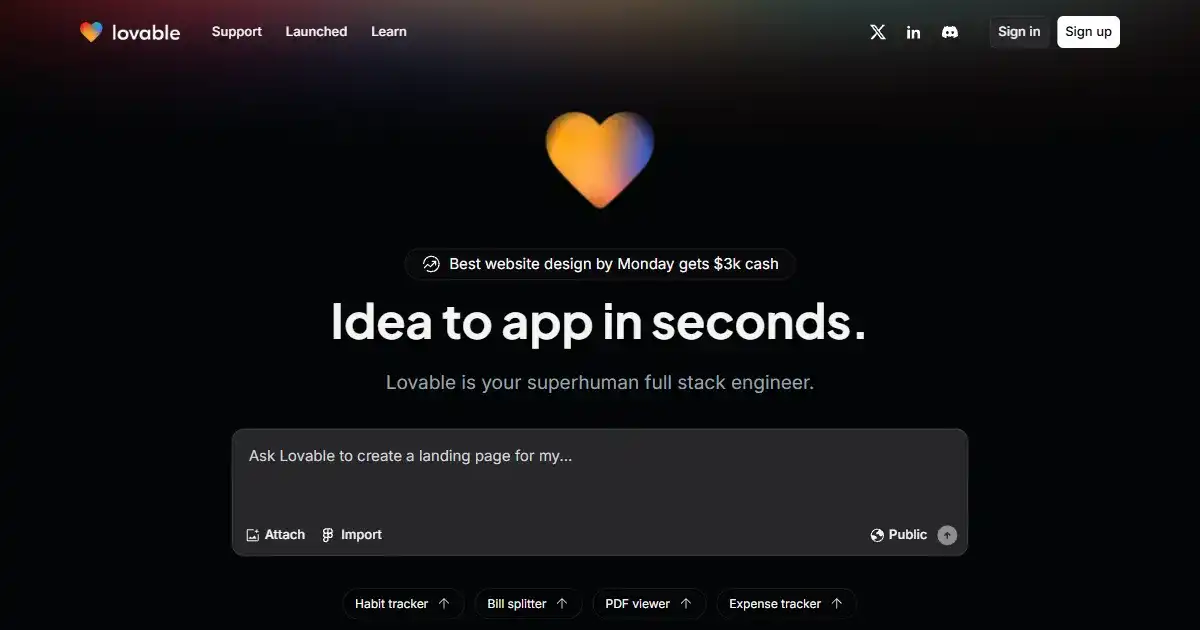
Lovable is an AI web development tool that accelerates building web applications. It uses natural language processing to generate UI elements and supports full-stack development. Lovable is useful for both developers and those with less technical skills to improve the web building workflow.

This Person Does Not Exist is an AI tool that generates highly realistic images of people who don't exist with a single click, showcasing advanced machine learning's capabilities in image synthesis.
Socratic is a free educational app that uses Google AI to help students understand homework and master a range of subjects. With visual explanations and personalized resources, it offers alternative approaches to learning key concepts. Socratic enhances traditional educational materials with additional perspectives from external learning platforms, therefore teachers love it.
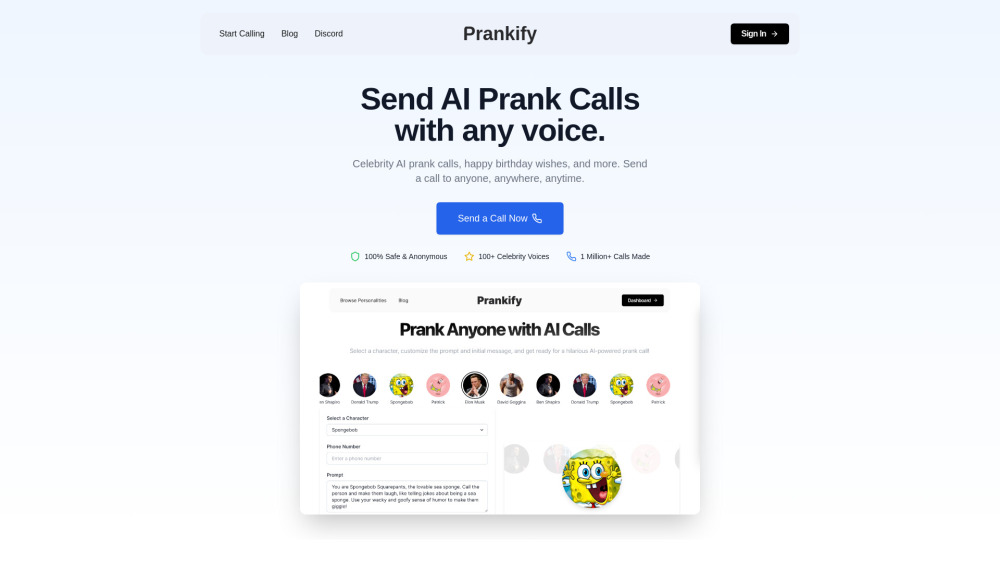
Prankify AI uses AI to generate funny and believable prank calls with celebrity voices and AI-driven conversations.
Outlier AI connects subject matter experts to help build advanced generative AI models through flexible remote work opportunities.
AutoDraw is a free, AI-powered drawing tool that helps you create polished images from simple doodles. It provides suggestions from a vast library of professional illustrations, making visual creation easier and more accessible for everyone.