Get Floor Plan
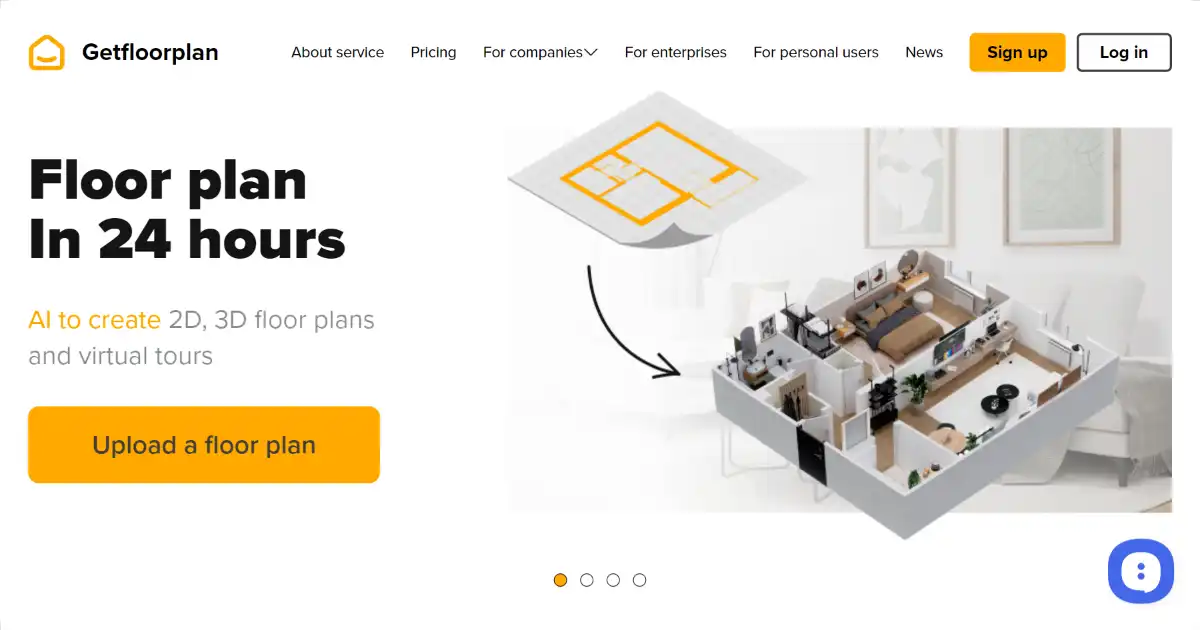
Get Floor Plan is an AI-powered tool that generates 2D and 3D floor plans from sketches. It's perfect for real estate, interior design, architecture, and even home renovation projects, simplifying design visualization with its user-friendly interface. The platform quickly produces interactive 3D virtual tours that improve customer experience which make for excellent sales or marketing presentation material suitable across professions including construction planning
What is Get Floor Plan
Get Floor Plan is an AI-powered tool that creates detailed 2D and 3D floor plans from basic sketches. Designed for real estate professionals, interior designers, architects, and homeowners, Get Floor Plan makes it easy to visualize and plan spaces. The user-friendly platform converts simple sketches and property plans to interactive 3D tours, high quality marketing material for realtors or construction workers to boost real-estate sales. This quick and cost-effective alternative to traditional floor plan creation supports generating realistic visual representations within clicks from plans of all complexity ranging from single family home to enterprise facilities with various formatting and export options available depending on usage needs.
Key Features of Get Floor Plan
Key features include automated floor plan generation from basic sketches, interactive 3D tour creation, and options for customizations such as different textures or materials for furniture placement within plans
AI-Powered Floor Plan Generation: Transforms simple sketches into detailed 2D and 3D floor plans.
2D and 3D Visualization: Offers both 2D blueprints and immersive 3D models for comprehensive spatial understanding.
Virtual Tours: Creates interactive 360° virtual tours for showcasing properties or design concepts.
Customization Options: Allows users to add furniture, textures, and materials to personalize designs.
High-Quality Output: Produces professional-grade visuals suitable for presentations and marketing materials.
Export Options: Facilitates easy sharing and integration with various design software.
User-Friendly Interface: Easy to use whether you're a pro or just starting to design and visualize.
Use Cases of Get Floor Plan
Real Estate: Creating engaging property listings with 2D/3D floor plans and virtual tours.
Interior Design: Visualizing and presenting design ideas to clients using interactive floor plans.
Architecture: Generating detailed blueprints with accurate measurements from sketch.
Construction: Translating blueprints for easy interpretation onsite
Home Renovation: Planning home improvements with visualization and floor plan modification options
Facility Management: Generating visual maps with location, department information encoded within floor plans for large organization
Get Floor Plan Pros and Cons
- Automates floor plan creation, saving time and effort.
- Creates high-quality, accurate visuals.
- Offers interactive 3D tours for immersive property viewing.
- Customizable with furniture and material options
- User-friendly and accessible for various skill levels.
- Cost-effective solution for design visualization
- Potential learning curve for complex features
- Requires internet connectivity
- Performance might be affected by browser compatibility
Get Floor Plan FAQs
How does Get Floor Plan work?
Get Floor Plan uses AI to transform basic sketches or blueprints into detailed 2D and 3D floor plans. You can further refine these plans by adding furniture, textures, and other design elements.
Who can use Get Floor Plan?
Get Floor Plan caters to a variety of users including real estate agents, interior designers, architects, property managers, and even homeowners planning renovations.
How much does Get Floor Plan cost?
While the exact pricing may vary, Get Floor Plan generally offers a free tier with basic functionalities and paid premium tiers for more advanced features and higher-quality outputs.
Interested in this product?
Updated 2025-06-15
🔍 Find More Tools
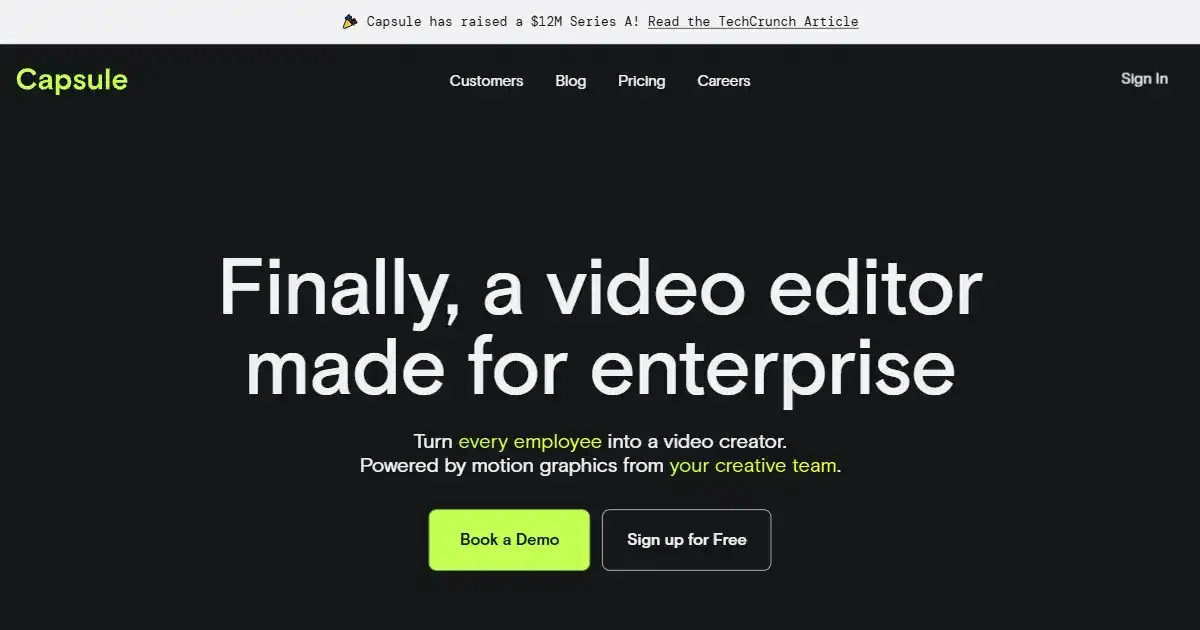
Capsule is an AI-powered video editing platform built for enterprise teams. It streamlines the video creation process by integrating a unified workspace with advanced motion design systems and AI automation. This allows businesses to efficiently produce professional, on-brand videos with studio-quality graphics and captions.
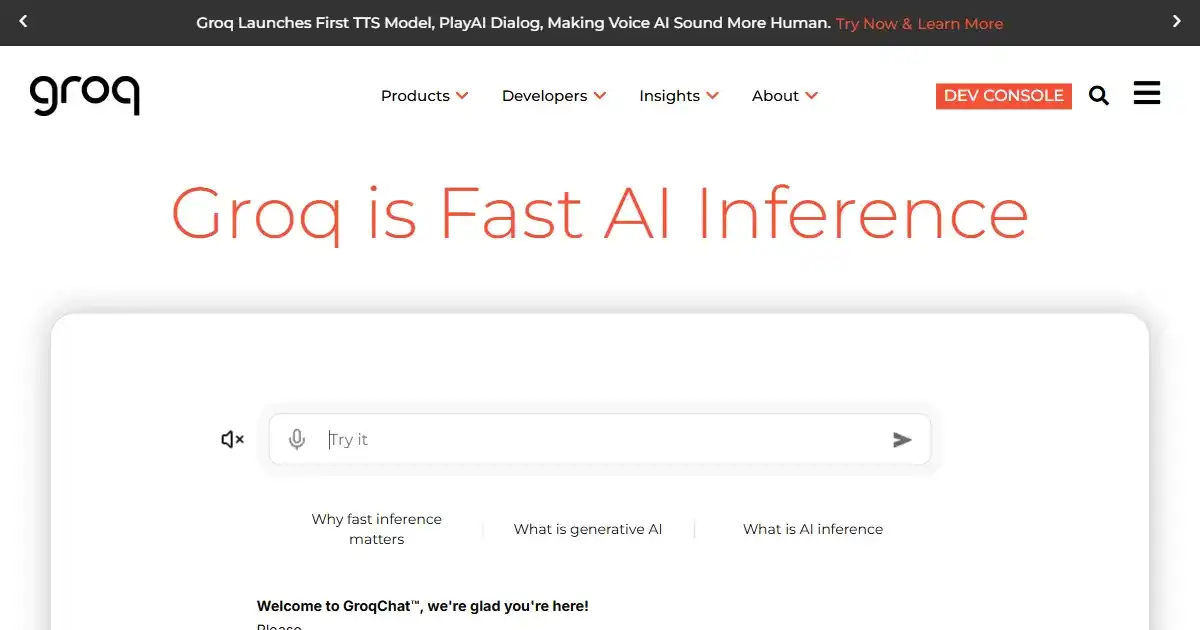
GroqChat is an AI-powered conversational assistant for enhancing digital communication and support. It offers a dynamic interface for answering queries and resolving requests across various topics. This leads to efficient user interactions and improves overall communication flow.
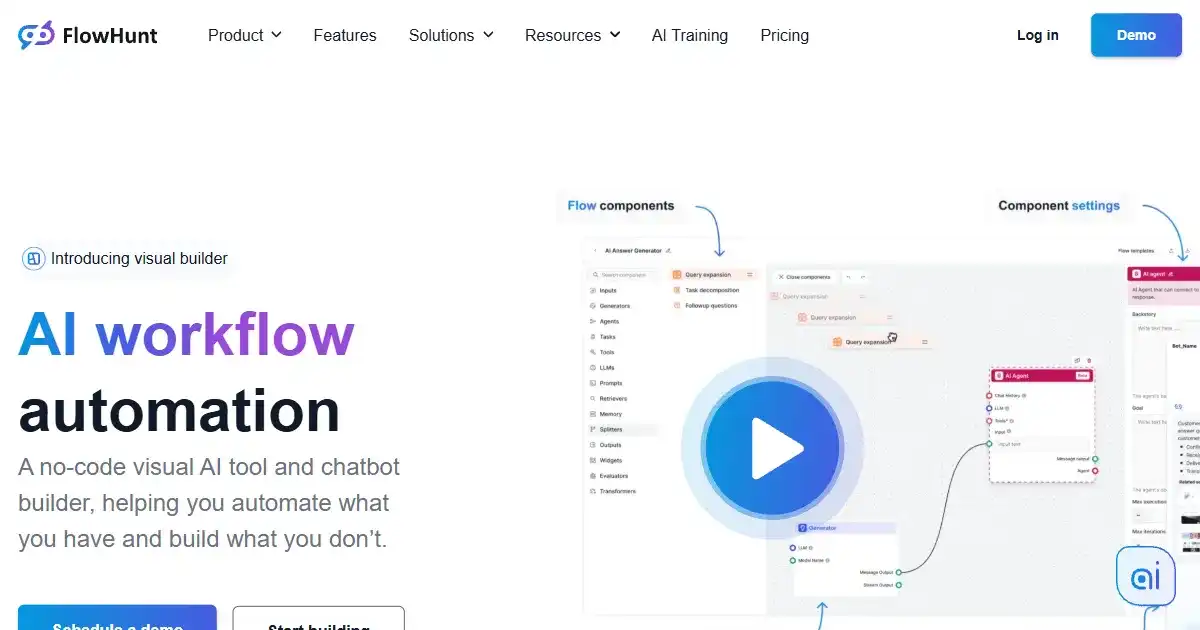
FlowHunt is a no-code platform for building and managing AI tools and chatbots. Its visual interface enables users to create automated workflows and AI agents without programming. This platform is designed for users across different sectors aiming to integrate AI into their processes easily.
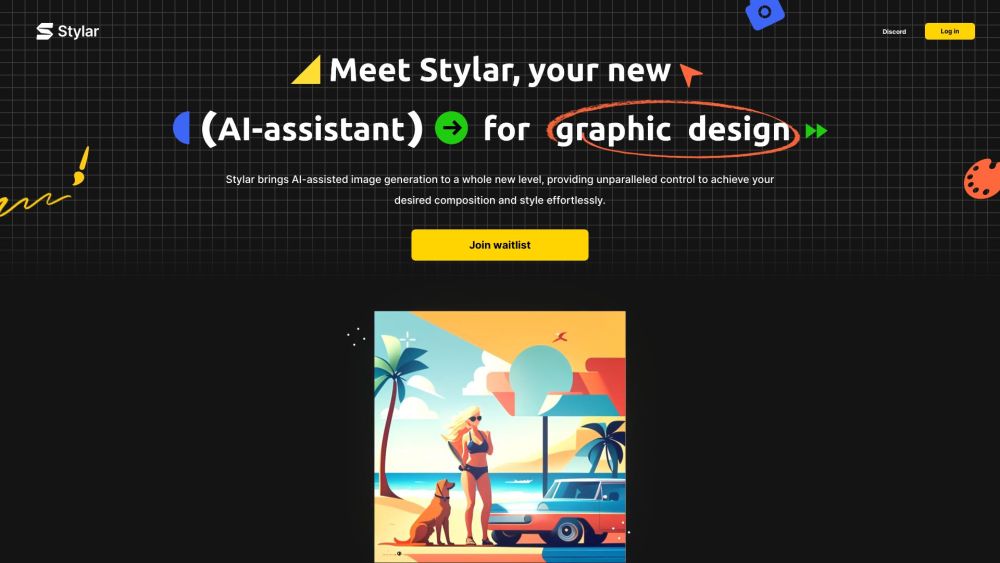
Dzine AI (formerly Stylar) is a comprehensive AI-powered design platform. It gives users superior control over image generation, editing, and style personalization.

DoNotPay is an AI-powered legal assistant designed to help individuals fight corporations, beat bureaucracy and protect their rights. It offers a range of automated tools for various legal tasks, from creating demand letters and appealing fines to handling subscriptions and more.
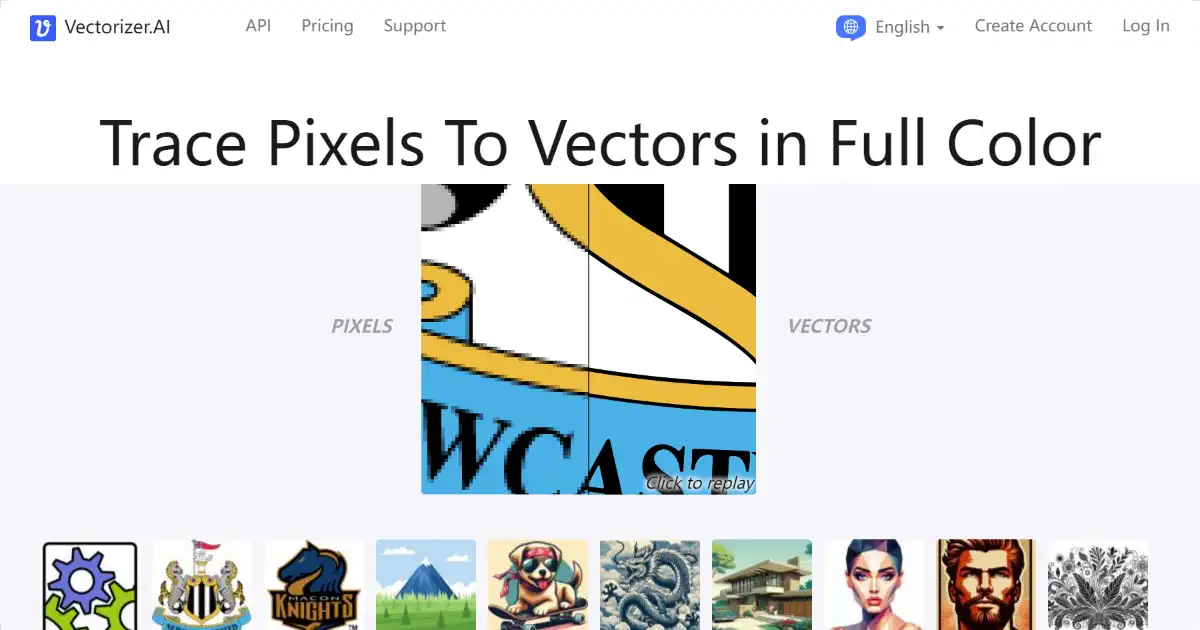
Vectorizer.AI is an AI-powered image conversion tool that transforms raster images into scalable vector graphics. This allows for high-quality resizing and versatile use in print, design, and other applications. Export your vector images in various formats like SVG, PDF, EPS, and more.