LM Studio
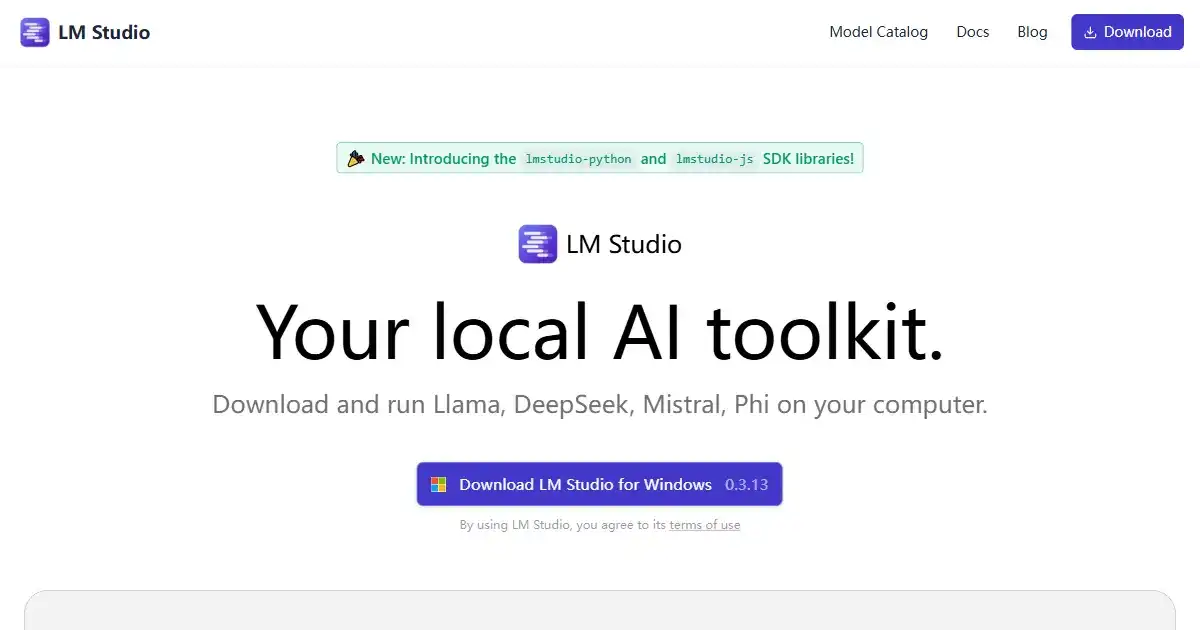
LM Studio is a desktop application designed for running large language models (LLMs) offline on your personal computer. It enhances privacy and data security, while offering compatibility with a variety of models from Hugging Face. Perfect for personal projects, research or development work involving sensitive data.
What is LM Studio
LM Studio is a software application that lets you run powerful large language models (LLMs) right on your own computer. This offers a higher level of privacy and data security because your information stays local and doesn't need to be sent over the internet. It supports a wide range of models, including LLaMa, Falcon, MPT, and Gemma, which you can find in repositories like Hugging Face. You can easily interact with the models using the chat interface within LM Studio, or by setting up a local server that's compatible with standard OpenAI APIs. This makes it ideal for developers, researchers, and AI enthusiasts who want the power of LLMs with the added security of offline processing.
Key Features of LM Studio
Simplify local LLM management. Discover, download, and run LLMs offline on your personal device for enhanced privacy. Ideal for developers, AI researchers, and tech enthusiasts working with sensitive data.
Local Model Management: Easily manage and switch between different LLMs on your local machine.
Offline Usage: Run LLMs locally without an internet connection, ensuring data privacy.
Diverse Model Support: Compatible with various models from Hugging Face, such as LLaMa, Falcon, MPT, and Gemma.
OpenAI API Compatibility: Use a local server that works with OpenAI APIs for integration with existing tools.
Chat UI: Interact with your LLMs through a user-friendly chat interface within the app.
Use Cases of LM Studio
Personal AI Projects: Explore natural language processing and machine learning offline without reliance on cloud services.
Research & Development: Experiment with and refine custom LLMs with sensitive data privately and securely.
Private Data Processing: Use LLMs on sensitive or confidential information without risk of external exposure.
Offline Model Testing and Evaluation: Work with models locally without internet dependency during development cycles.
Secure Data Analysis: Ideal for private data analysis where maintaining data security and user privacy is crucial.
LM Studio Pros and Cons
- Enhanced Privacy: Maintain full control over your data by processing it offline.
- Increased Security: Avoid sending sensitive information over the internet.
- Cost-Effective: Eliminates the need for costly cloud computing services for smaller projects.
- Model Flexibility: Supports a range of LLMs and allows easy switching between them.
- Offline Access: Use powerful LLMs even without an internet connection.
- Resource Intensive: Running LLMs locally demands significant computing resources.
- Technical Expertise: Initial setup might be complex for users with limited technical knowledge.
- Scalability Limitations: While great for personal use and testing, scaling up for production may require more advanced configurations.
LM Studio FAQs
How does LM Studio work?
LM Studio allows you to run large language models (LLMs) directly on your own computer. This eliminates the need for an internet connection and keeps your data private.
Which LLMs are supported by LM Studio?
LM Studio is compatible with a variety of LLMs found on Hugging Face, including LLaMa, Falcon, MPT, and Gemma.
Is LM Studio free to use?
While LM Studio offers a free version, there's also a Pro tier with additional features and support, available for a monthly subscription.
Interested in this product?
Updated 2025-06-15

🔍 Find More Tools
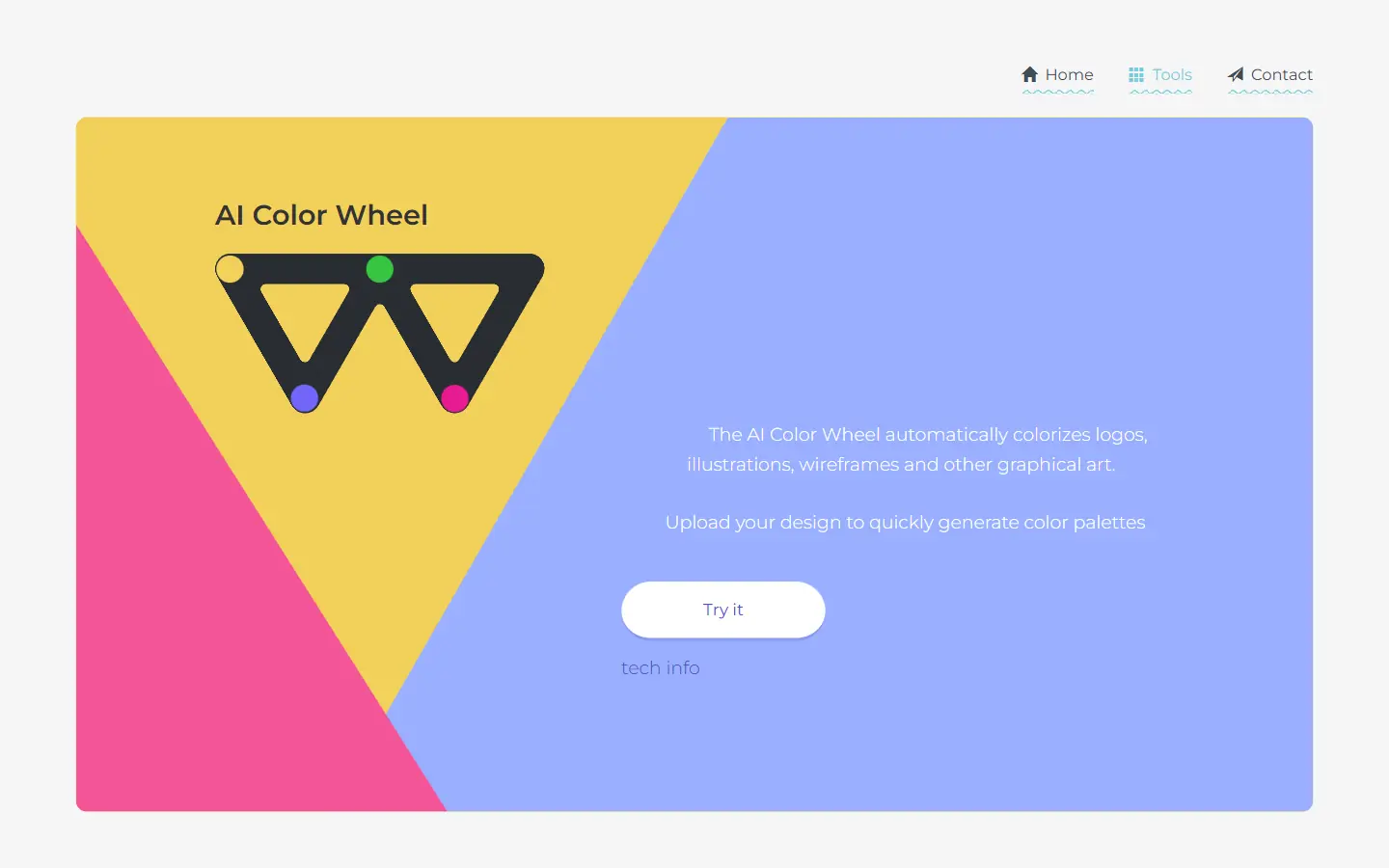
AI Color Wheel is an AI-powered tool designed to help you find the perfect color palette for your logos, illustrations, wireframes, and other graphic designs. By uploading your flat design, the tool automatically generates thousands of unique color variations based on classical and modern art movements. It's like having a team of color experts at your fingertips, ready to provide inspiration and guidance for your next creative project.
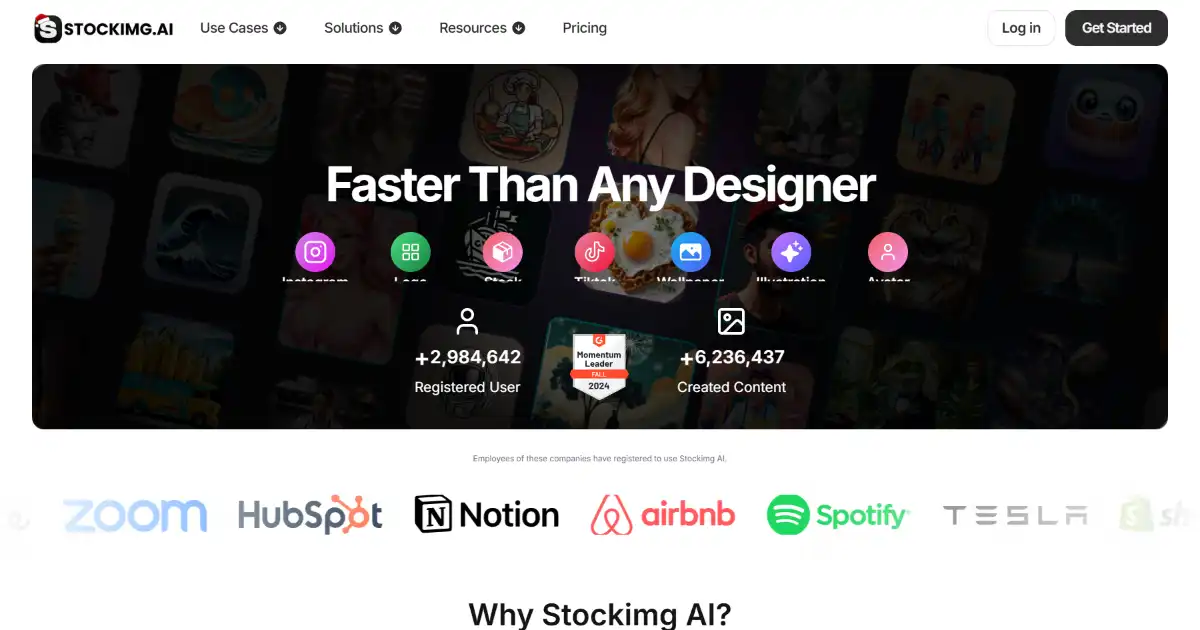
StockImg AI is an AI-powered image generation platform for creating various visual content, including logos, book covers, and stock photos. This user-friendly platform helps both professionals and individuals easily produce high-quality images.
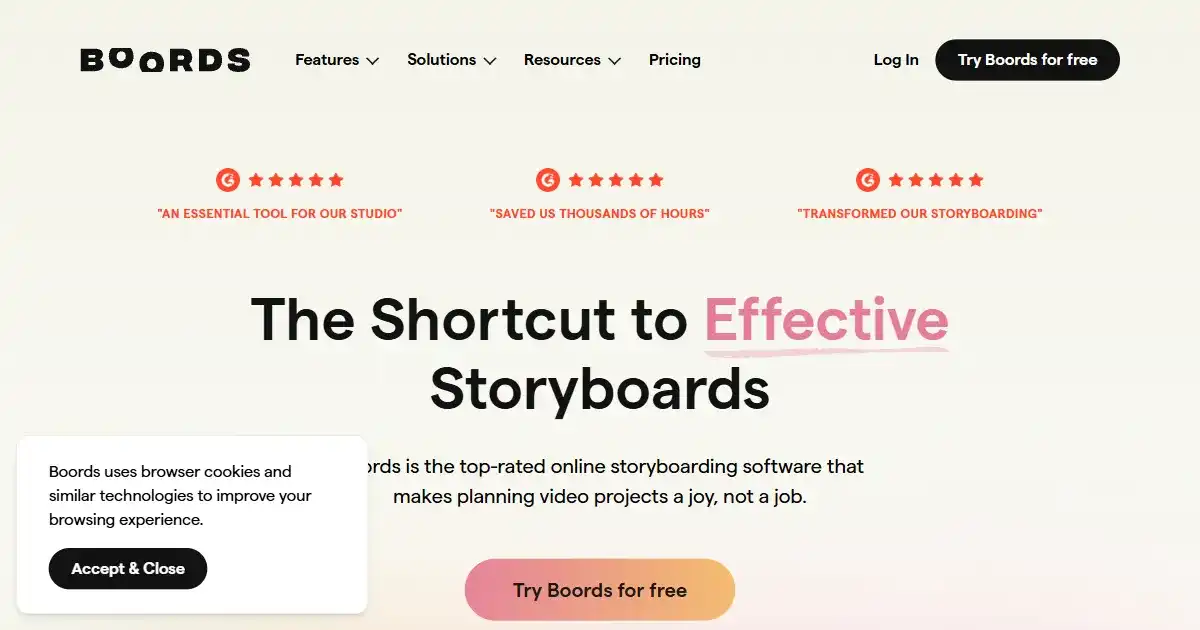
Boords is an AI-powered storyboard generator enabling users to create professional-quality storyboards. It combines an intuitive interface with features like script and image generation, facilitating efficient collaboration.
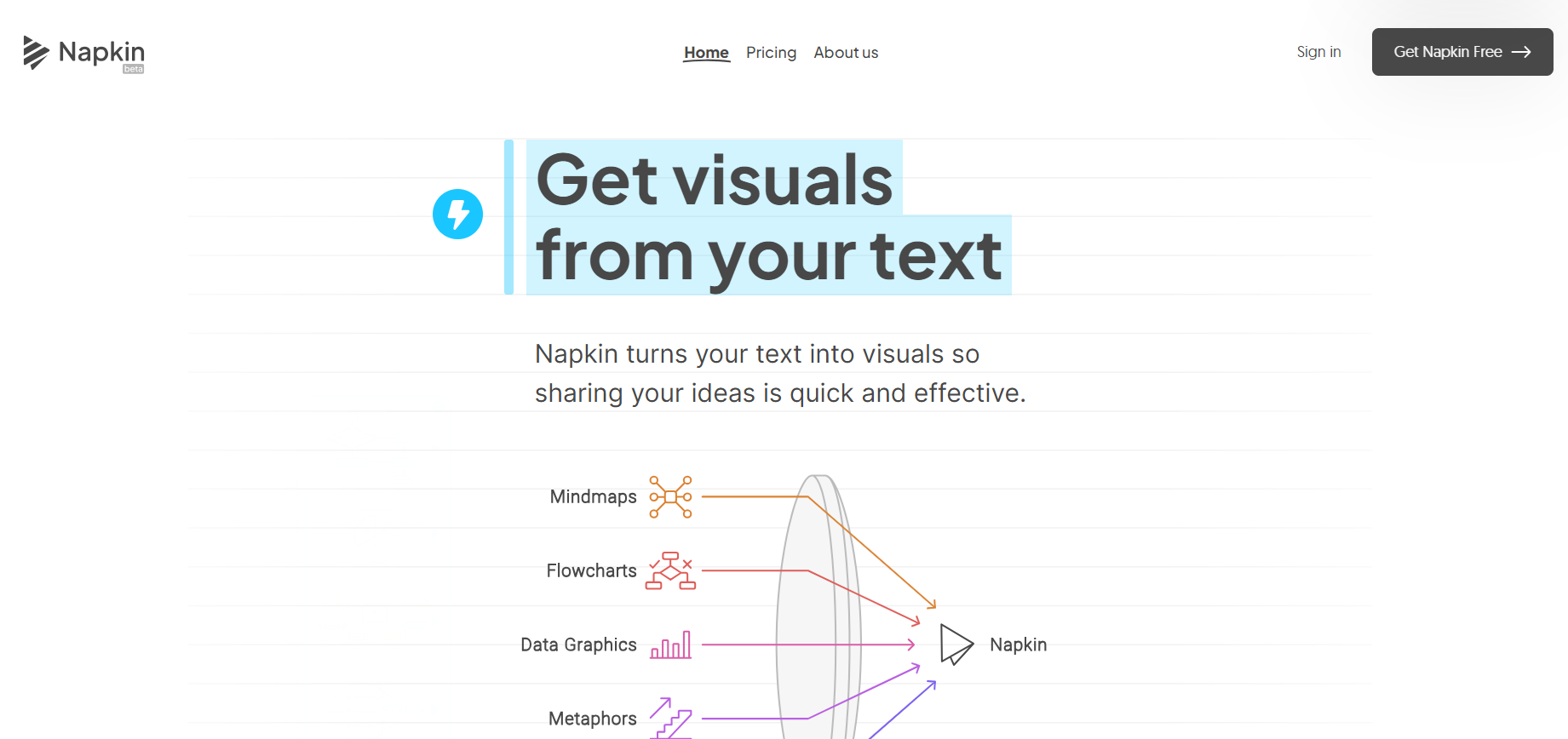
Napkin AI uses AI to transform text into appealing graphics, diagrams, and illustrations for better business communication.
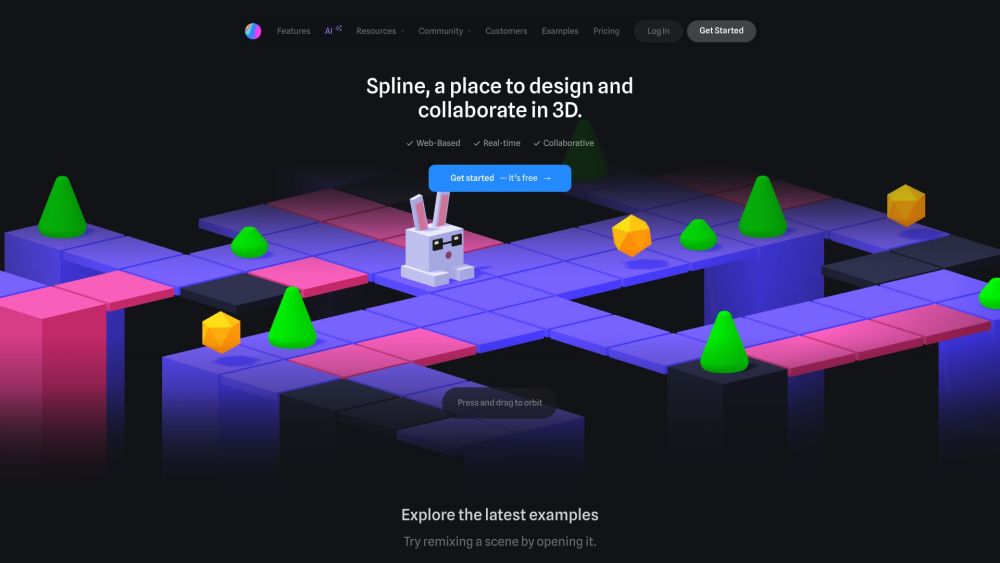
Spline is a free, web-based 3D design tool with real-time collaboration that allows users to create interactive 3D experiences for the web directly in the browser.

Olly 2.0 is a free AI-powered Chrome extension designed to automate social media management. It offers personalized content creation, post scheduling, and virality checks across various platforms. Olly 2.0 simplifies workflows for individuals, influencers, and businesses looking to enhance their online presence.