Viggle AI
Viggle is an AI-powered video generation tool that converts still images into animations using text-based motion control. Designed for easy creation and merging of static images with existing videos, it leverages a foundation model that grasps physics concepts to empower creative designs and high levels of motion control.
What is Viggle
Viggle is an innovative AI animation tool designed to effortlessly convert still images into lively animations. The tool uses natural language and image prompts with its underlying model's understanding of physics. Combining your static image with a dynamic video is possible, merging character animation with motion.
Key Features of Viggle
Animate images effortlessly with text-based motion control. The platform provides comprehensive documentation and support for effective content generation, enabling highly customized and interactive videos with the power of AI.
Text Motion Prompts: Animate static characters using text prompts.
Image-to-Video Conversion: Convert static images into dynamic videos using the /mix command.
Motion Control: Precisely control the movements of characters in animations.
Video Integration: Introduce external characters into videos.
Community Engagement: Connect with a supportive community of fellow creators.
Use Cases of Viggle
Animating Images for Storytelling and Education: Enhancing visual narratives and teaching material with animated images.
Creating Motion for Visual Arts and Entertainment: Breathing life into digital artworks, illustrations, or photography by creating unique and realistic movements with user-defined instructions.
Enhancing E-commerce with Dynamic Imagery: Utilizing animated product demos or videos in digital market places and stores to engage consumers.
Viggle Pros and Cons
- Intuitive user interface simplifies animation tasks.
- Supports wide range of use cases from meme creation to professional editing.
- Community offers collaborative and engaging experience.
- Physics-based animation ensures natural and lively movements
- Limited third-party platform integration.
- Resource intensive for low-end devices
Viggle FAQs
How does Viggle animate images?
Viggle uses the JST-1 foundation model, which understands physics, to process uploaded images and user-defined movements described in text prompts, creating animations according to these inputs.
Can I mix a character into an existing video?
Viggle allows you to inject characters from an uploaded image into any video.
Which browsers work well with Viggle?
Viggle is best used in Chrome and Chromium-based browsers for optimal performance and functionality.
Interested in this product?
Updated 2025-06-15
🔍 Find More Tools
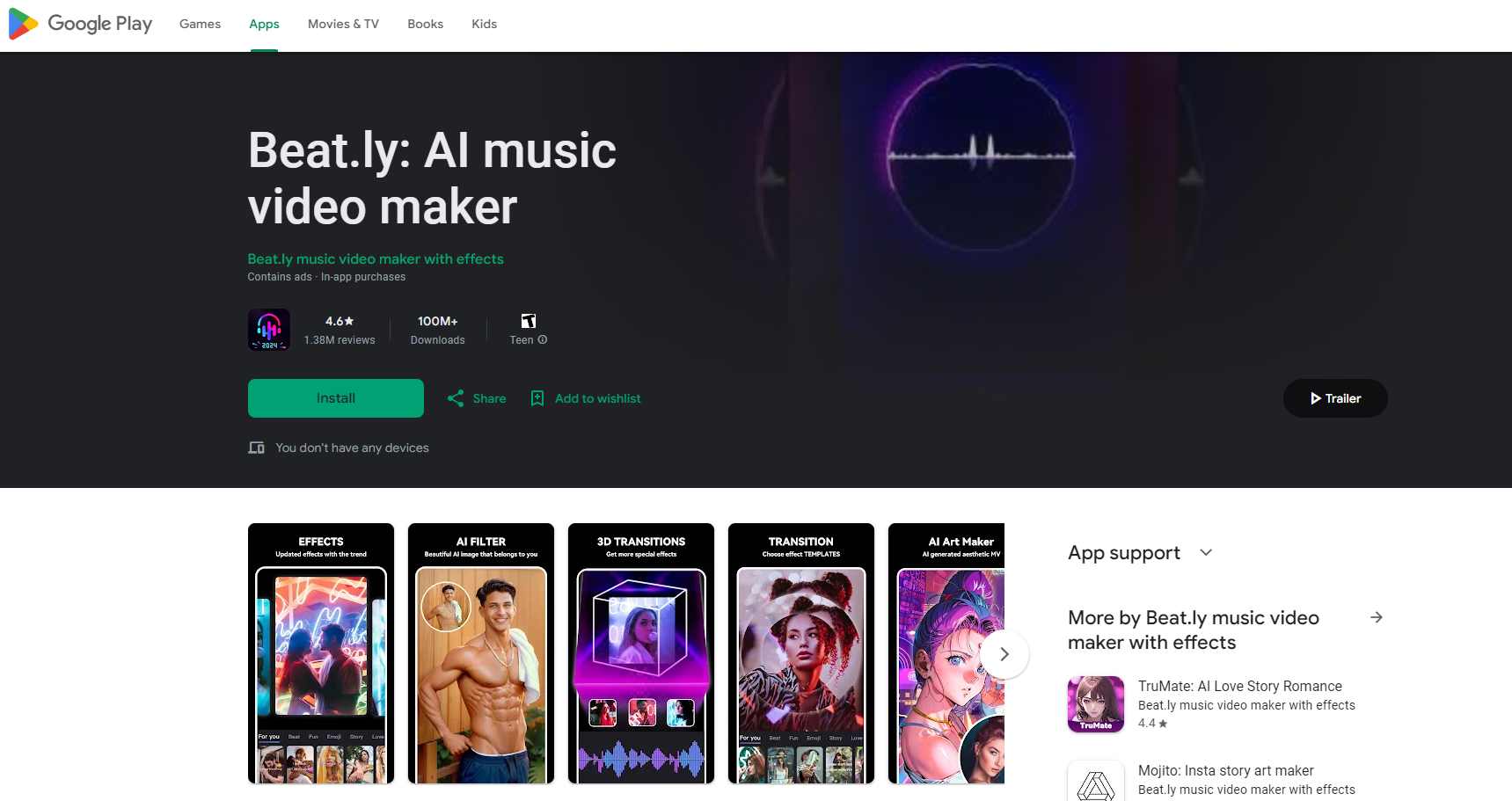
Beat.ly is a free AI-powered app for creating music videos and slideshows. It offers trendy templates, effects, and popular music.
Showrunner is an AI platform that generates animated episodes from user prompts. It automatically voices characters and animates scenes, allowing users to control dialogue, character design, and shot selection.
Supermaven is an advanced AI-powered code completion tool designed to enhance developer productivity. It offers fast, high-quality code suggestions, a 1 million token context window, and seamless integration with popular IDEs like VS Code, JetBrains IDEs, and Neovim. Supermaven aims to help developers write code 2x faster and minimize repetitive tasks.
Claude is an advanced AI chatbot developed by Anthropic, designed to assist users in various conversational tasks while prioritizing safety and usability. It leverages cutting-edge natural language processing to provide informative, context-aware responses.
AI Phone is a multifaceted tool enhancing phone communication using artificial intelligence. It provides real-time call transcription, summaries, and keyword alerts. The platform also offers a separate US second phone number and an AI chat assistant for improved messaging. Use AI Phone to simplify calls, boost efficiency, and maintain privacy.
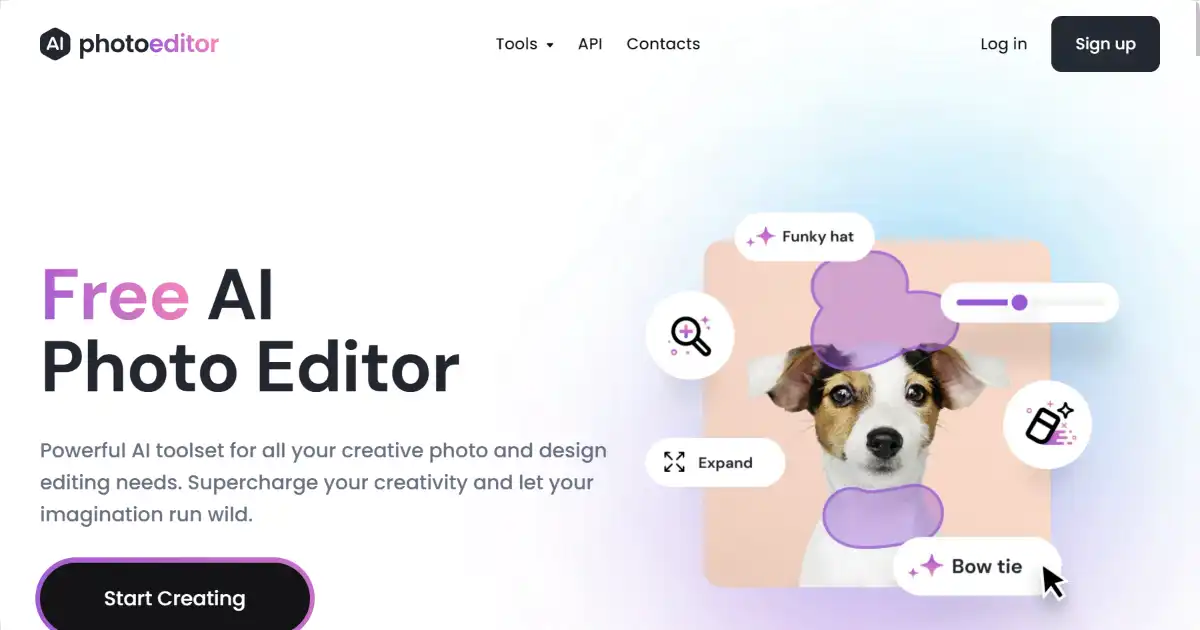
Photo Editor AI is a free online photo editor that leverages AI. It allows users to quickly remove unwanted objects, people, or blemishes from images. Improve image quality effortlessly with this intuitive tool.