Microsoft Designer
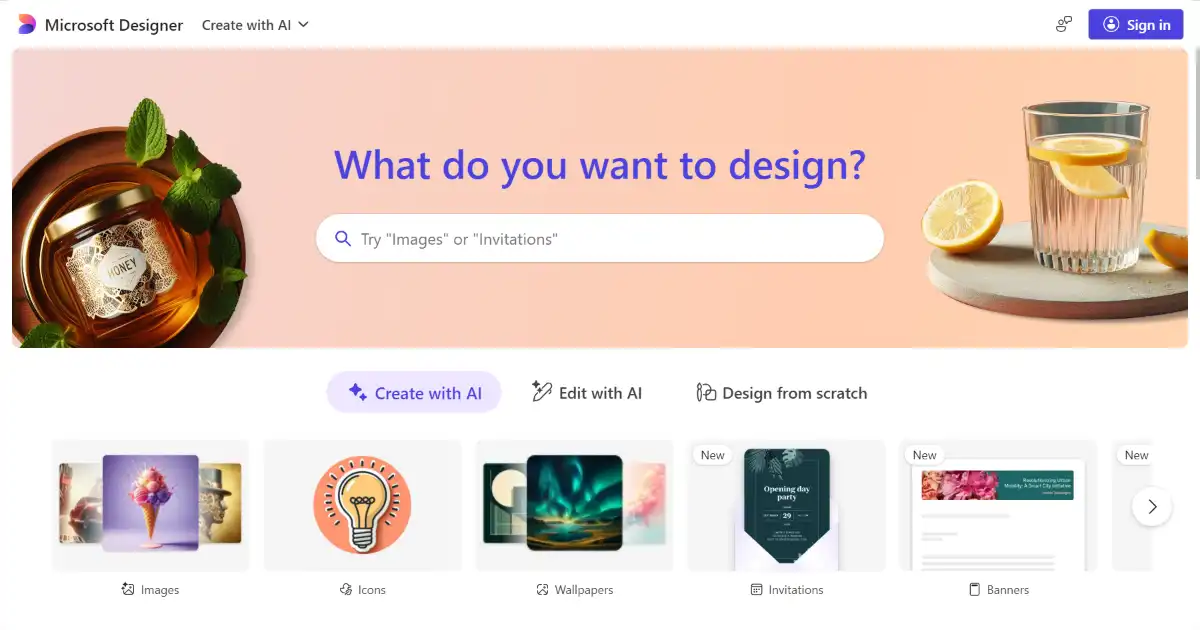
Microsoft Designer is an AI-powered design tool that simplifies the creation of stunning visuals. It integrates seamlessly with Microsoft 365 for streamlined workflows. Use it for everything from social media content to professional presentations.
What is Microsoft Designer
Microsoft Designer is an AI-powered design tool that simplifies creating high-quality visuals. Whether for social media posts, marketing materials, presentations, or website graphics, Designer streamlines the process with intelligent suggestions and customization options. The seamless integration with the Microsoft ecosystem enhances productivity and workflow.
Key Features of Microsoft Designer
Microsoft Designer's AI simplifies creating various visuals, integrating within the Microsoft suite.
AI-Powered Design Suggestions: Provides design recommendations tailored to user content and preferences.
Templates Library: Access to a diverse collection of pre-designed templates for various design needs.
Seamless Microsoft 365 Integration: Easily integrates with other Microsoft applications for a streamlined workflow.
Accessibility Features: Enables creation of inclusive designs accessible to a wider audience
Use Cases of Microsoft Designer
Creating engaging visuals for social media and online platforms.
Developing impactful graphics and presentations for business needs.
Designing appealing visual materials for educators and educational resources.
Producing striking visuals for use in nonprofit and awareness campaigns.
Creating customized graphics for personalized blog posts, website banners, book promotions, and similar individual projects.
Microsoft Designer Pros and Cons
- User-Friendly Interface: Intuitive and easy to navigate.
- Time-Saving Efficiency: Automates and simplifies the design process.
- Brand Consistency: Customizable templates uphold brand aesthetics.
- Enhanced Collaboration: Enables effortless design sharing and team collaboration.
- Learning Curve: Requires some time to master all features.
- Online Dependency: Full functionality needs an active internet connection.
- Limited Advanced Features: May not suit the demands of advanced graphic design professionals
Microsoft Designer FAQs
How does Microsoft Designer work?
Microsoft Designer uses AI to suggest design layouts, images, and copy based on your input and preferences. It offers various templates to help you get started and allows for customization.
Does Microsoft Designer integrate with other Microsoft products?
Yes, Microsoft Designer integrates seamlessly with other Microsoft 365 applications like Word and PowerPoint. This allows for easy transfer and use of designs across different platforms.
How much does Microsoft Designer cost?
While Microsoft Designer offers a free version with basic features, a Microsoft 365 subscription unlocks more advanced capabilities and templates.
Interested in this product?
Updated 2025-06-15
🔍 Find More Tools
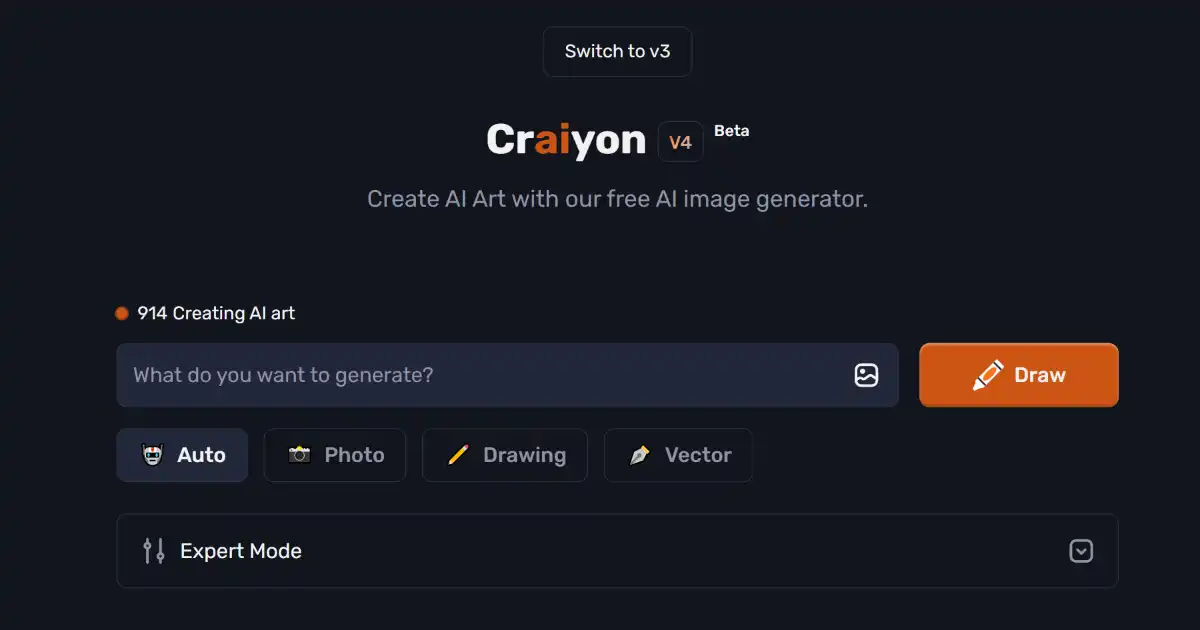
Craiyon is a free AI image generator that transforms text prompts into diverse visual art. Easily accessible through a user-friendly interface, it's ideal for content creators, educators, and anyone seeking creative inspiration.
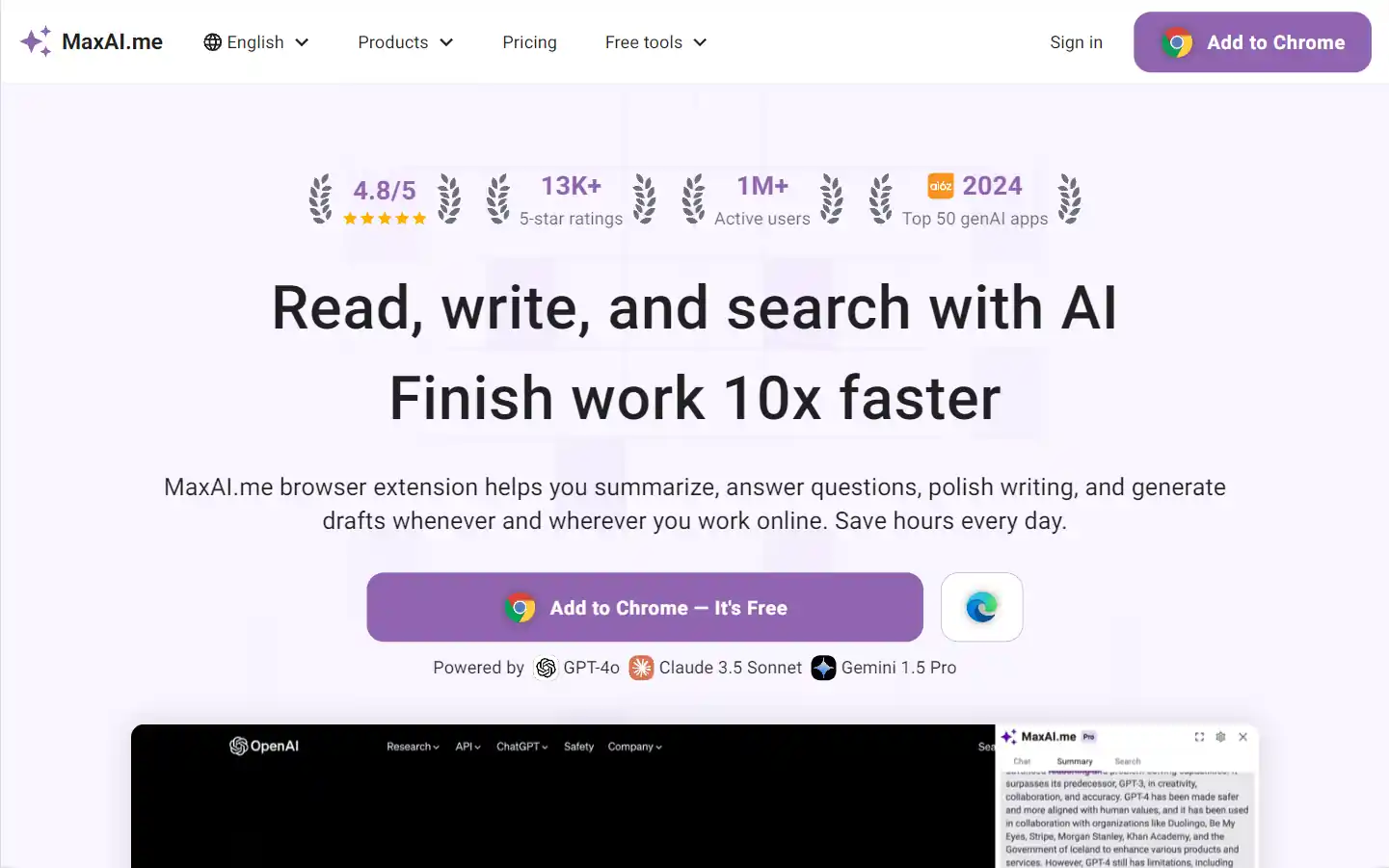
MaxAI.me is a powerful browser extension that provides one-click access to advanced AI models like ChatGPT, Claude, Gemini, and more. It enhances productivity by offering features such as writing improvement, grammar check, summarization, AI chat, and search optimization, all directly on any webpage.
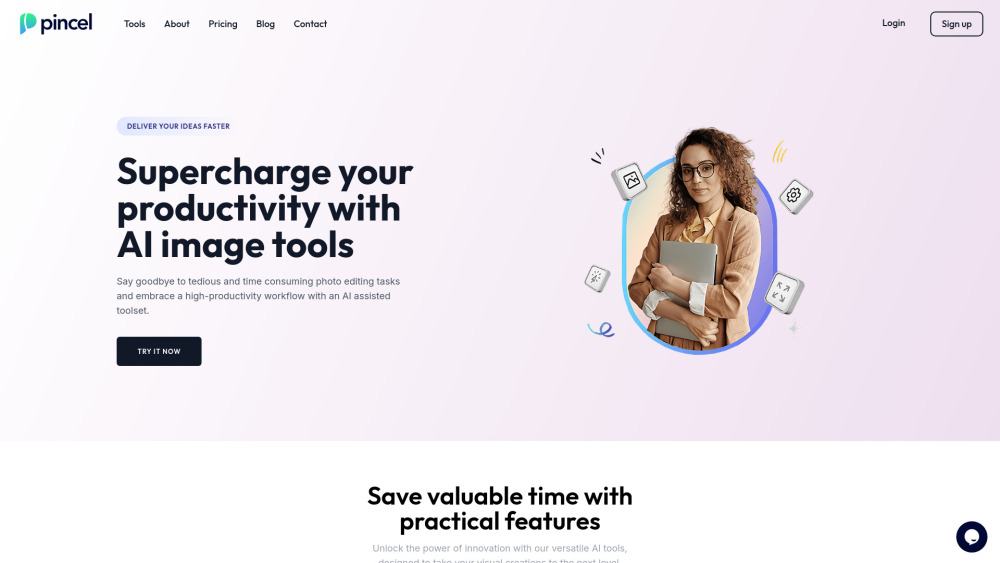
Pincel is an easy-to-use online image editor that uses AI to transform photos with just a brush stroke and text prompt.
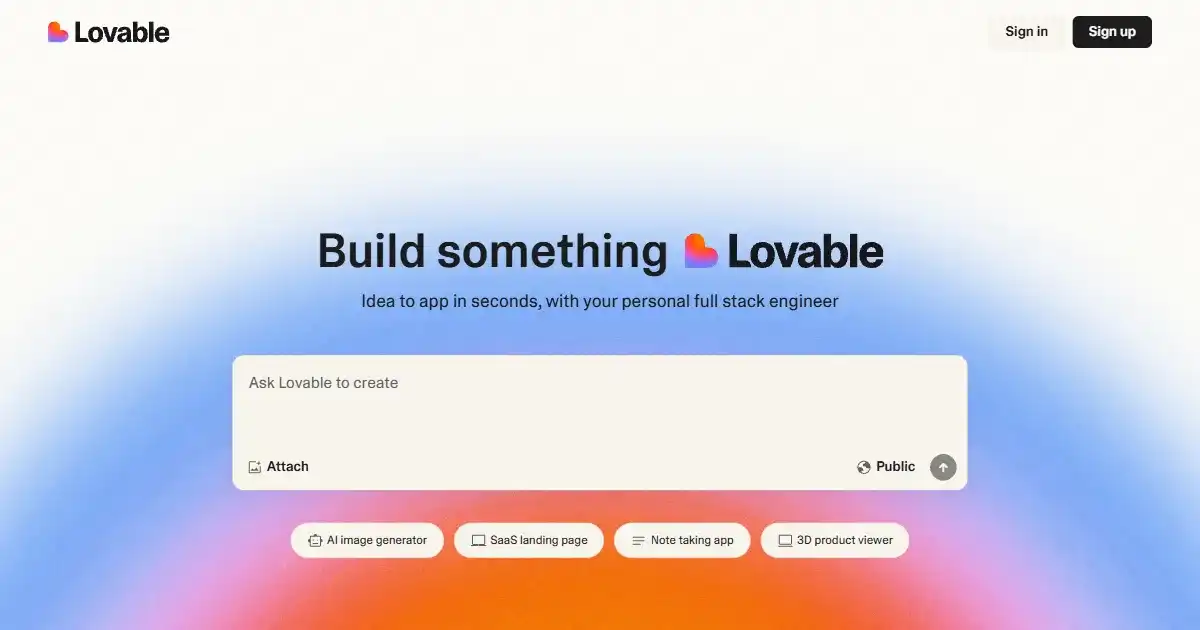
GPTEngineer is a tool that enables users to build interactive web applications using natural language descriptions. It supports rapid prototyping and includes integrated version control. Users retain full ownership of the generated code, facilitating collaboration with human developers.

Typeframes is an AI tool for creating custom product videos designed specifically for SaaS products. It simplifies the video creation process by allowing users to input content and select effects. Use Typeframes to produce professional and brand-aligned videos efficiently.
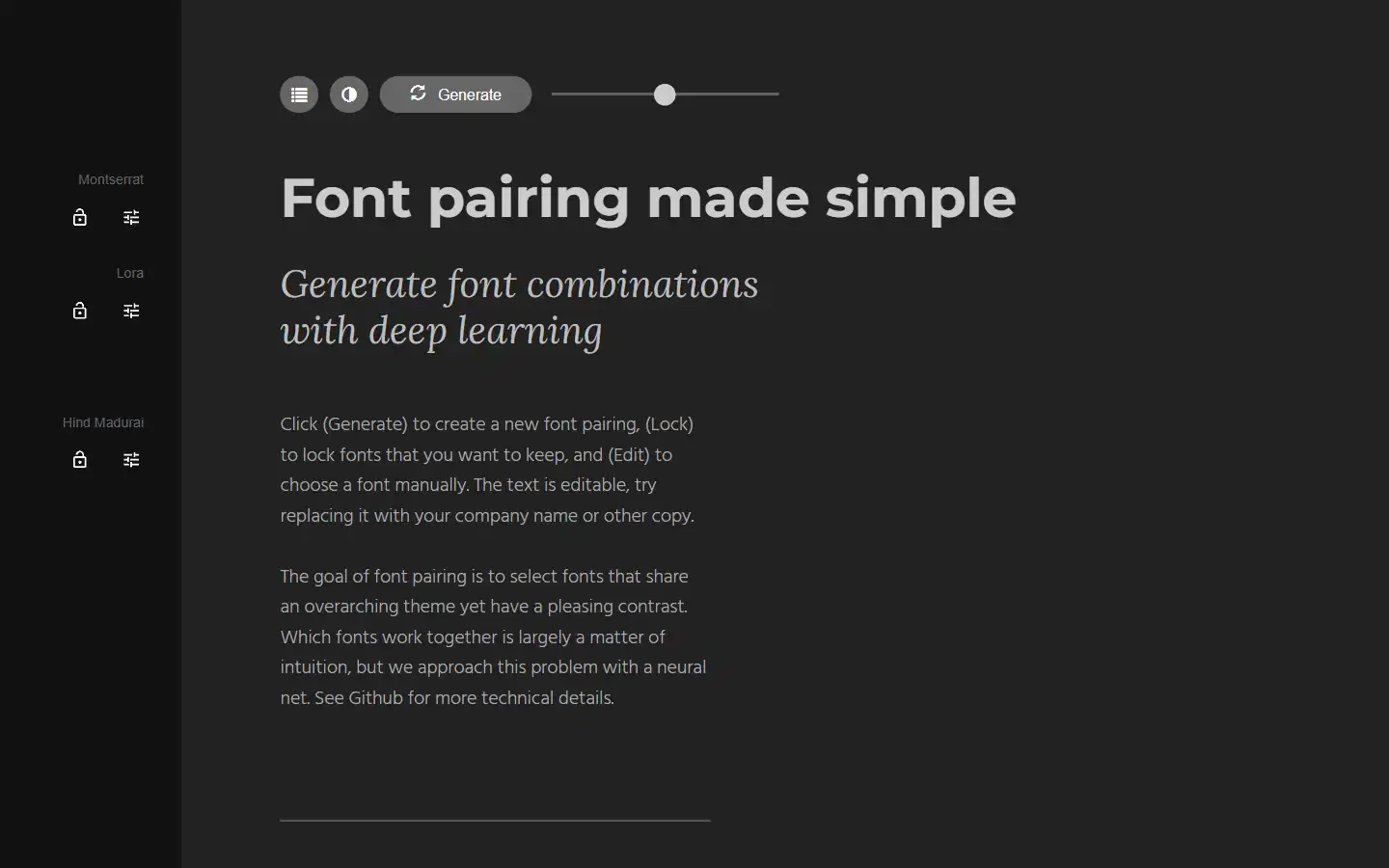
Tired of spending hours agonizing over the perfect font combination? Fontjoy, an innovative website powered by machine learning, simplifies font pairing for designers and typography enthusiasts alike. With its user-friendly interface and powerful deep learning engine, Fontjoy analyzes font characteristics and generates visually harmonious pairings in just a few clicks, helping you create impactful designs that truly resonate.