Pincel AI
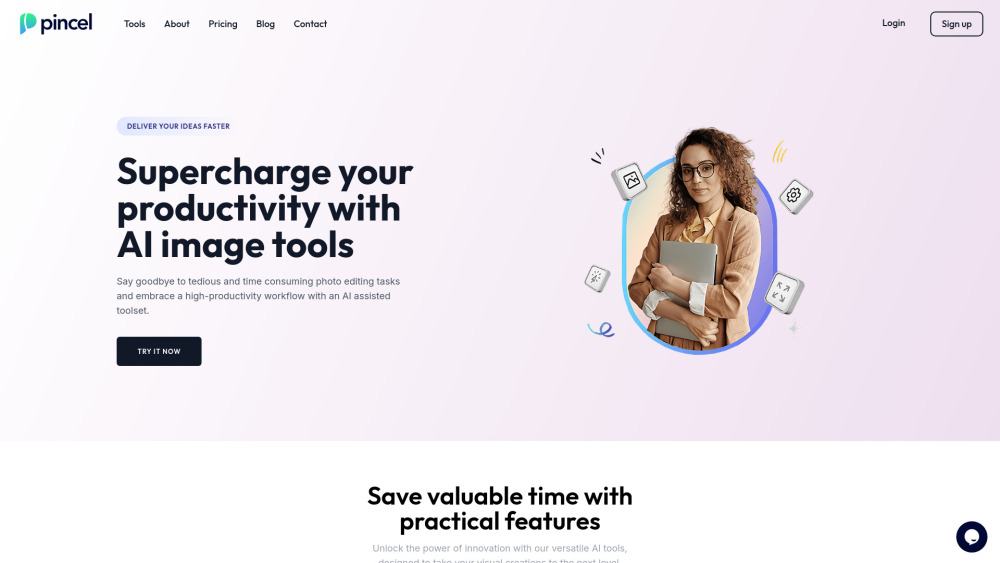
Pincel is an easy-to-use online image editor that uses AI to transform photos with just a brush stroke and text prompt.
What is Pincel AI
Pincel is an AI-powered, web-based image editor with intuitive tools for photo manipulation and enhancement. Designed for all skill levels, it offers features like retouching, generative fill, creative manipulation, and object/text removal. Accessible via web browser on any device, it requires no software installation.
Key Features of Pincel AI
Pincel is a user-friendly online image editing app leveraging AI for enhanced productivity. It offers tools for object removal, background removal, clothes and face swapping, and photo extension. Its intuitive design makes image editing simple across all devices.
Web-Based Application: Accessible from any device with a web browser, eliminating software installation needs.
Intuitive Interface: A user-friendly experience for both beginners and professionals.
AI-Powered Editing: Uses advanced AI for effortless complex editing tasks, including object removal and generative fill.
Diverse Toolset: Includes clothes swapping, face swapping, photo extension, and AI portrait generation.
Quick Processing: Most edits are completed in seconds.
Use Cases of Pincel AI
Social Media Content Creation: Quickly edit and enhance photos for engaging social media posts.
E-commerce Product Photography: Easily remove backgrounds, swap product colors, or create clean product images for online listings.
Professional Headshot Editing: Transform casual photos into polished headshots for professional profiles.
Real Estate Photo Enhancement: Improve property listings by removing clutter, extending backgrounds, or virtually staging rooms.
Fashion and Outfit Visualization: Assist fashion designers or retailers in virtually trying outfits on models.
Pincel AI Pros and Cons
- Fast processing for quick edits
- User-friendly interface for all skill levels
- Wide range of AI-powered tools
- Accessible from any web browser and device
- Requires an internet connection
- Free trial has limited image generation
- Some advanced features need a paid subscription
Pincel AI FAQs
What is Pincel?
Pincel is a user-friendly AI-powered online image editor offering tools for retouching, generative fill, creative photo manipulation, and object/text removal.
What can I do with Pincel?
Pincel lets you remove objects, backgrounds, swap clothes/faces, extend photos, and more. Ideal for marketers, designers, and business owners needing quick visual edits.
Is Pincel a mobile app?
No, Pincel is a web application accessible from any device with a modern web browser.
Do I need special skills to use Pincel?
No, Pincel's intuitive interface is designed for all skill levels.
Can I use Pincel for commercial purposes?
Yes, commercial licenses are available.
How long does it take to process an image?
Image processing typically takes 9-20 seconds.
What does Pincel mean?
Pincel means "brush" in Portuguese, symbolizing simple image editing.
Interested in this product?
Updated 2025-06-15
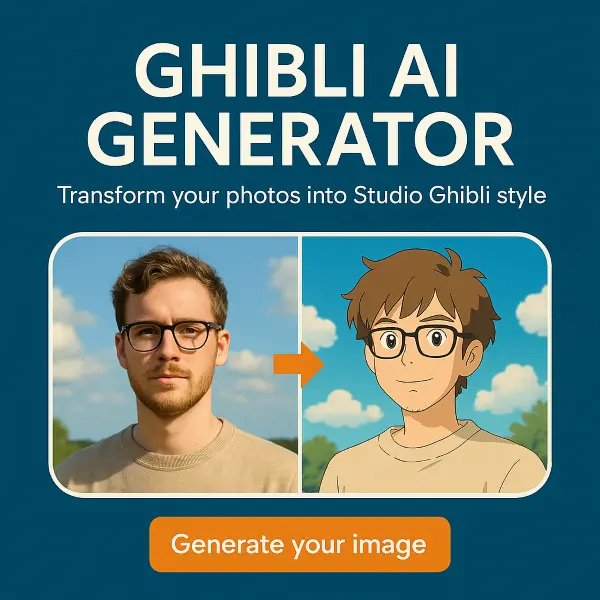
Pincel AI Alternatives
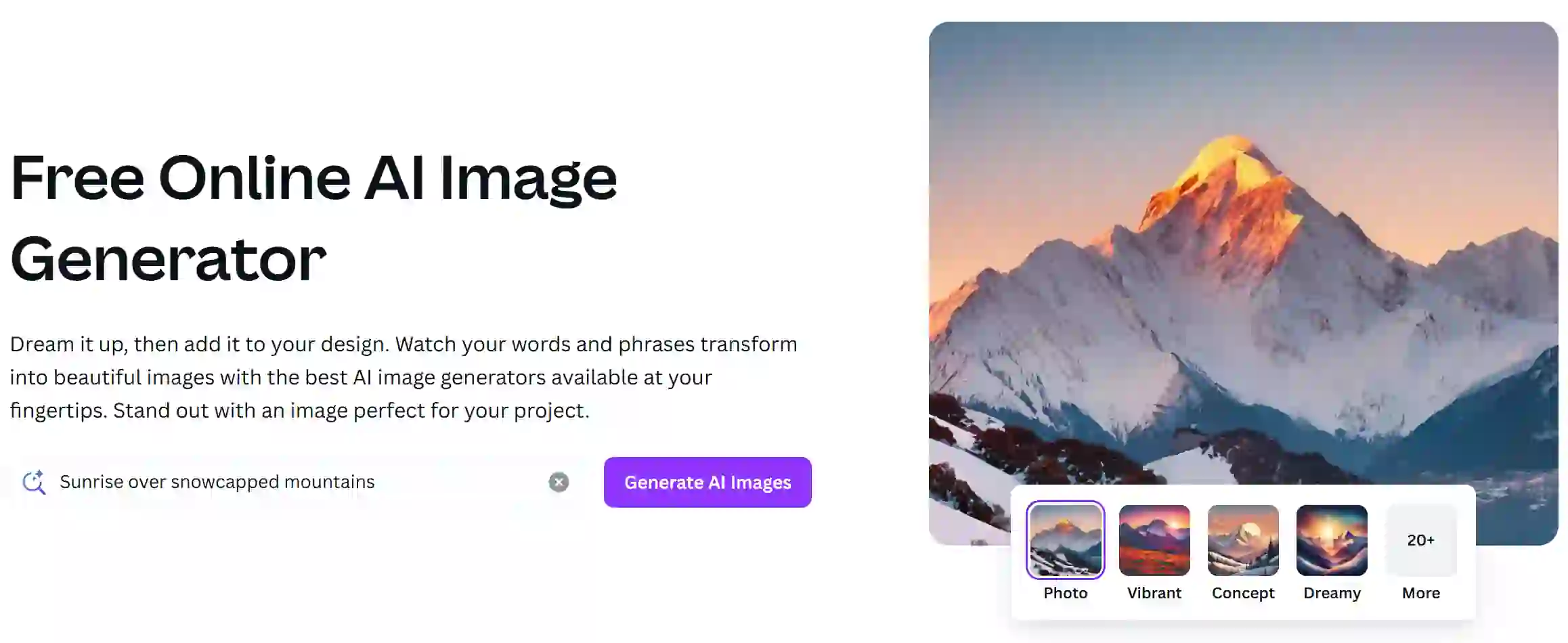
Canva AI Image Generator is a feature within the Canva design platform that enables users to create images using artificial intelligence based on textual prompts. This tool streamlines the design process, allowing users to generate unique visuals quickly and easily for various projects.
Editor's TakeNo review yet
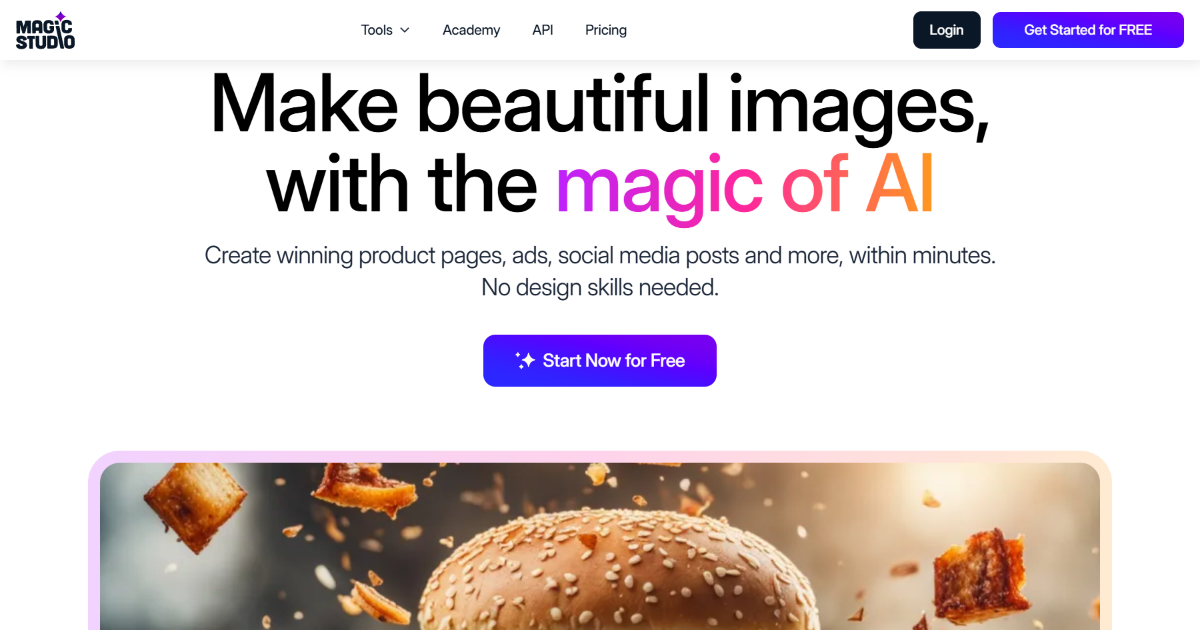
Magic Studio is an AI-powered platform for creating and editing images. It offers a user-friendly interface with powerful AI capabilities for various image-related tasks. Streamline your visual content workflow with features like AI editing, background transformation, and text-to-image generation.
Editor's TakeNo review yet
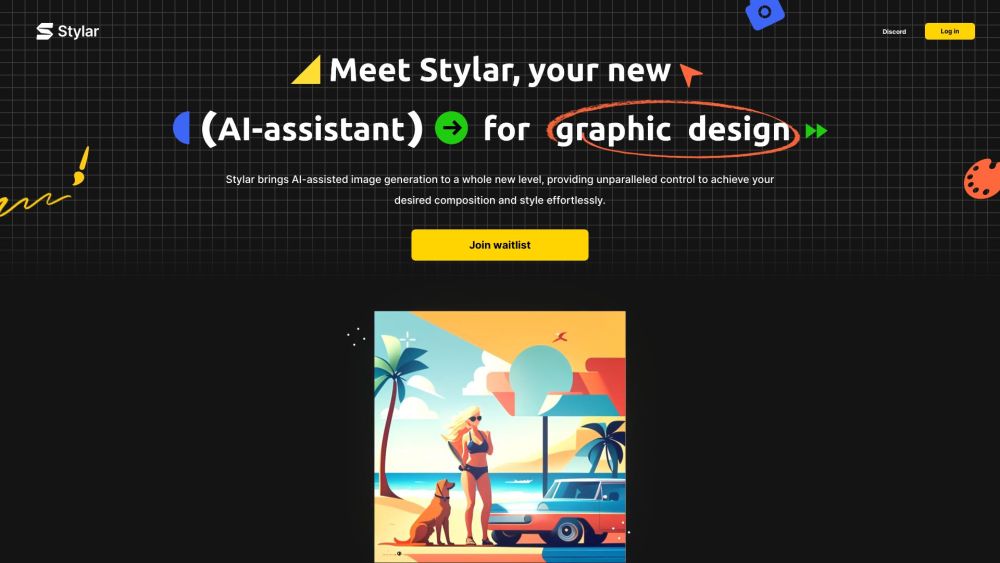
Dzine AI (formerly Stylar) is a comprehensive AI-powered design platform. It gives users superior control over image generation, editing, and style personalization.
Editor's TakeNo review yet
🔍 Find More Tools
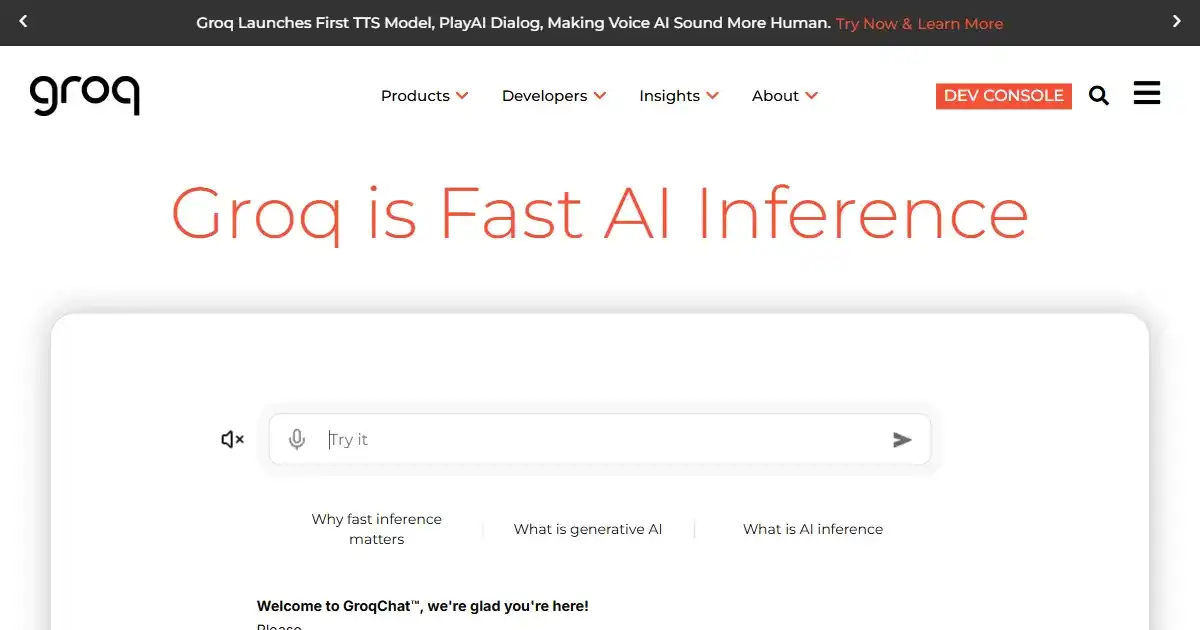
GroqChat is an AI-powered conversational assistant for enhancing digital communication and support. It offers a dynamic interface for answering queries and resolving requests across various topics. This leads to efficient user interactions and improves overall communication flow.
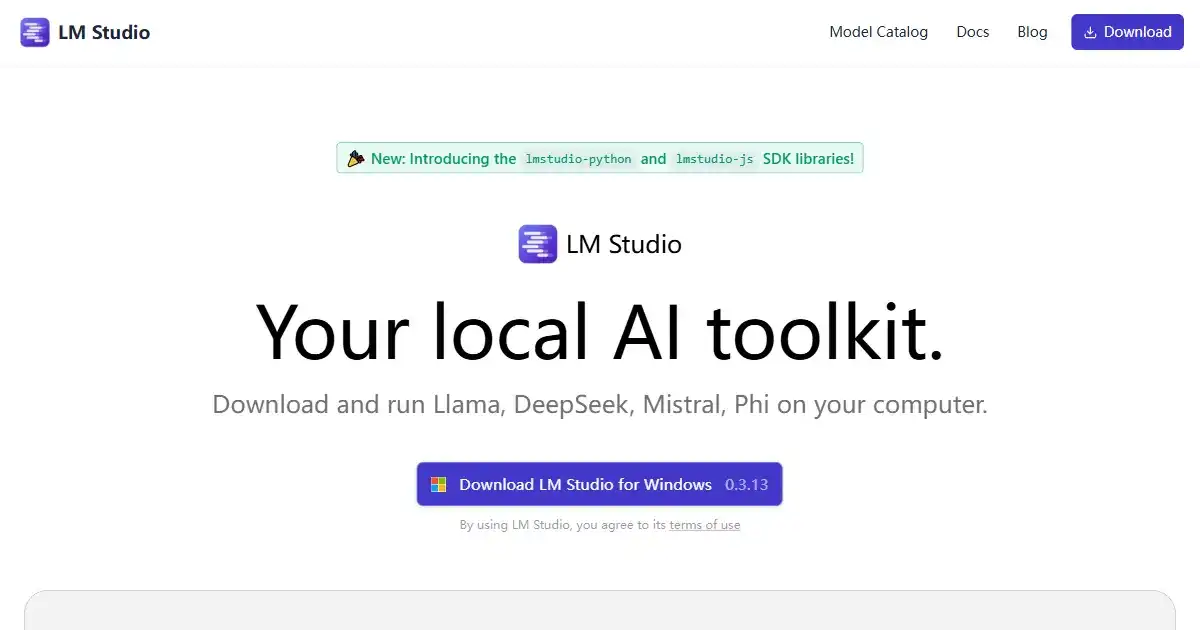
LM Studio is a desktop application designed for running large language models (LLMs) offline on your personal computer. It enhances privacy and data security, while offering compatibility with a variety of models from Hugging Face. Perfect for personal projects, research or development work involving sensitive data.
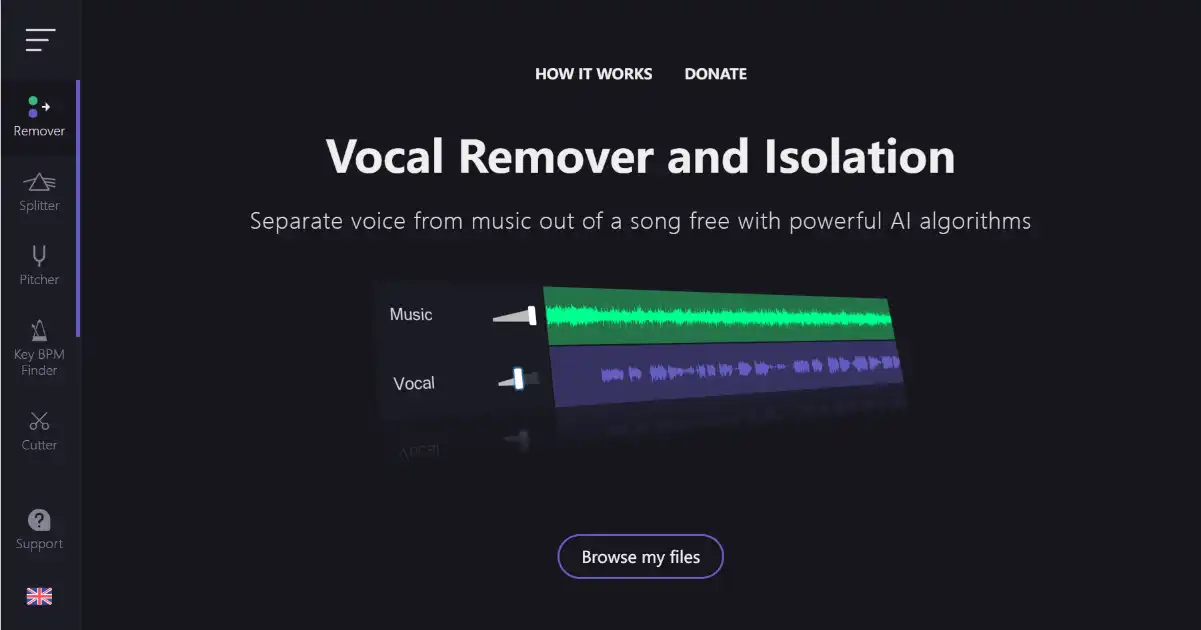
Vocal Remover is a free online tool that uses AI to separate vocals from songs. It generates karaoke and acapella versions in seconds.

LensGo is an AI platform for image and video creation, as well as custom model development and training. This all-in-one tool empowers creators to generate visuals, animate videos, and explore AI model development within one powerful application. Easily generate images, add motion to your projects and tailor LensGo to your own image creation workflow.
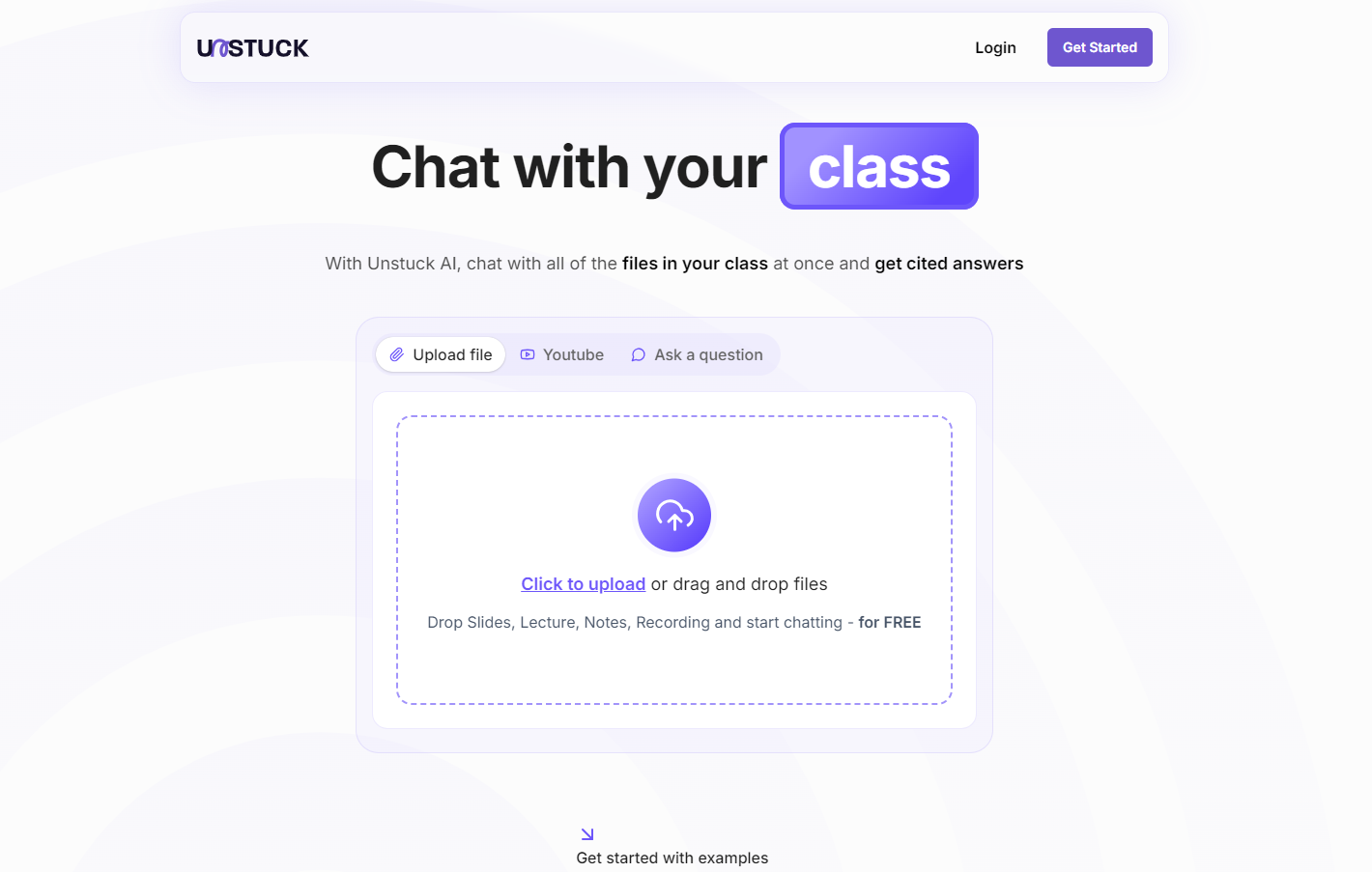
Unstuck AI is a free AI study tool for students. It lets students upload materials and get cited answers via chat.
Midjourney is an AI-based image generation platform that allows users to create stunning visuals from textual descriptions. It utilizes advanced machine learning algorithms to interpret prompts and produce high-quality artwork, catering to artists, designers, and creative enthusiasts.